

48x36 Poster Template PowerPoint PPT Presentation
1 / 1
Title: 48x36 Poster Template
1
English Department Assessment Day Fall 2007
Creating a Grading Toolbar in Word
- Essay grading can be more efficient
- with a custom toolbar created for Word.
- Add frequently-used comments like
- RO (Run-on sentence)
- Frag (Fragment)
- Ind (Indent this sentence)
- CAPS (Incorrect use of capital letters).
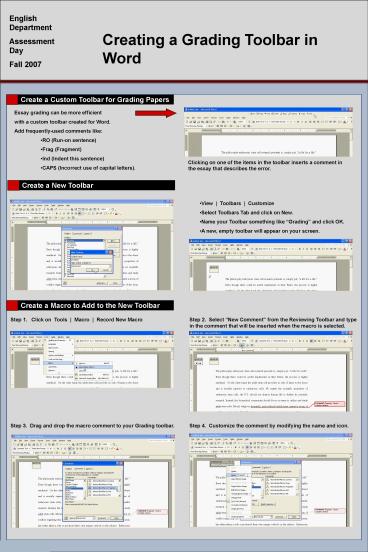
Clicking on one of the items in the toolbar
inserts a comment in the essay that describes the
error.
- View Toolbars Customize
- Select Toolbars Tab and click on New.
- Name your Toolbar something like Grading and
click OK. - A new, empty toolbar will appear on your screen.
- Step 1. Click on Tools Macro Record
New Macro
Step 2. Select New Comment from the Reviewing
Toolbar and type in the comment that will be
inserted when the macro is selected.
Step 3. Drag and drop the macro comment to your
Grading toolbar.
Step 4. Customize the comment by modifying the
name and icon.
Recommended

