

Welcome to the Technology Training Center PowerPoint PPT Presentation
1 / 8
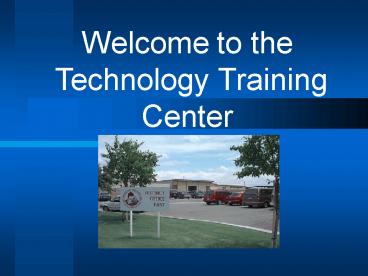
Title: Welcome to the Technology Training Center
1
Welcome to the Technology Training Center
2
The Training for Today will be
- How to use Windows 95
by Val Hemingway Technology Specialist Panama-Bue
na Vista Union School District
3
We will Cover
- The Keyboard
- How to Logon to the Network/Computer
- Your Network User ID
- Your Network Password
- The Desktop
- What are those funny looking Icons?
- How do I use the Mouse?
- What about Sound on My Computer?
4
We will Cover
- Display Properties
- Background Patterns
- Screen Savers
- Appearance
- Settings
5
We will Cover
- The Taskbar
- Taskbar Properties
- How to Add and Remove a Shortcut from the Taskbar
- How to Add and Remove a Shortcut from the Desktop
6
Important Information
- Restrooms are located across the parking lot in
the DOE main building! - We will have a 10-15 minute break during this
training session.
7
Important Information
- Please feel free to ask questions at any time
during the training. - All Handouts are for you to keep and take with
you!
8
Technology will help us prepare our Students for
their Future!
I am here to help you. Please take advantage of
this opportunity. Phone 831-8331 Ext. 177
Recommended

