

How to import PDF into Galaxy S Note PowerPoint PPT Presentation
Title: How to import PDF into Galaxy S Note
1
Overview
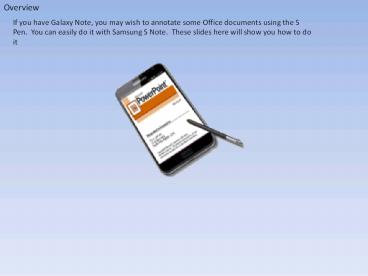
If you have Galaxy Note, you may wish to annotate
some Office documents using the S Pen. You can
easily do it with Samsung S Note. These slides
here will show you how to do it
2
PDF conversion
In order to add annotation using the S Pen, you
have to save your Office documents into PDF
files. You can do this easily in Office 2007 and
above
Save your Powerpoint or other Office document in
3
Import PDF
Once you have converted your Office file into
PDF, launch S Note.
While in S Note startup page, tap the Menu key
and select Import
4
Import PDF
.
When this dialogue appears, select PDF
5
Import PDF
.
When you are presented with a file explorer,
browse to the location of your PDF file. Now, do
not just tap the file to open it you should tap
once to select it and thereafter, tap the Done
button.
When you are presented with a file explorer,
browse to the location of your PDF file. Now, do
not just tap the file to open it you should tap
once to select it and thereafter, tap the Done
button.
That's all, hope you will find this useful,
thanks for your interest.
Recommended

