

How to Use SharePoint for Remote Project Team Collaboration PowerPoint PPT Presentation
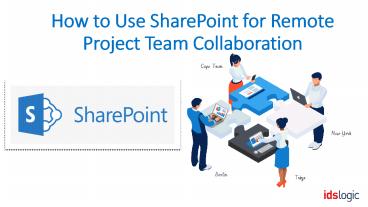
Title: How to Use SharePoint for Remote Project Team Collaboration
1
How to Use SharePoint for Remote Project Team
Collaboration
2
- Remote working or outsourcing various task while
developing an application is beneficial for both
the employers and employees. - Since it helps to reduce the overhead, get an
easy access to a wide pool of talented resources
and minimize office distractions, companies
prefer to choose remote work. But this is also
not without challenges, especially when it comes
to communication and collaboration. - SharePoint is a great collaborative tool that is
used to enhance communication with a remote
project team. Here is how you can use it
3
Project Planning with a SharePoint Team Site
- This is the first step to increase the
collaboration with your remote team and the early
you involve the team, the more it helps everyone
understand the importance and type of work. Tools
like Microsoft Teams help to run a planning
workshop using a video meeting where you can
discuss - The common hours for all team member
- Fix one to one meetings
- When to use phone calls and emails or chats
- Use the webcams for video meetings
4
Track the Reports and Documents Act Accordingly
- Once the project has started, you will have to
track the work and update it regularly. The My
Work is a report that contains the list of work
assigned to the user. Based on this report, you
can find the upcoming or any overdue tasks and
even flag issues by ticking the box. - Another key feature of SharePoint development is
the document library which makes it easy to
access any documents from a central location and
this is especially helpful for remote workers.
5
Getting to Know and Communicate
- One of the most crucial challenges of remote
teams is to develop relationships and get to know
the teammates and colleagues. Going to the office
makes it very easy to chat with colleagues and to
know each other. But with remote work, this often
becomes difficult. SharePoint makes communication
easier for remote employees as they can link with
their relevant team through SharePoint.
Also Read How SharePoint Development Helps to
Effectively Manage Remote Teams
6
Spain Office(Valladolid) Apdo. Post office
6, Arroyo de la Encomienda Valladolid
E47195 Ph. 34 681 264 155
UK Office(Leeds) Regus City West, Building
3, City West Business Park Gelderd Road,
Leeds LS12 6LN, UK Ph.(0) 1132 512 283
India Office A-126, Sector-63, Noida,
UP India 201301 Ph. 91 120 423 5665
www.idslogic.com
Recommended

