

Top 7 Online Gaming Accessories for Immersive Gaming Experience PowerPoint PPT Presentation
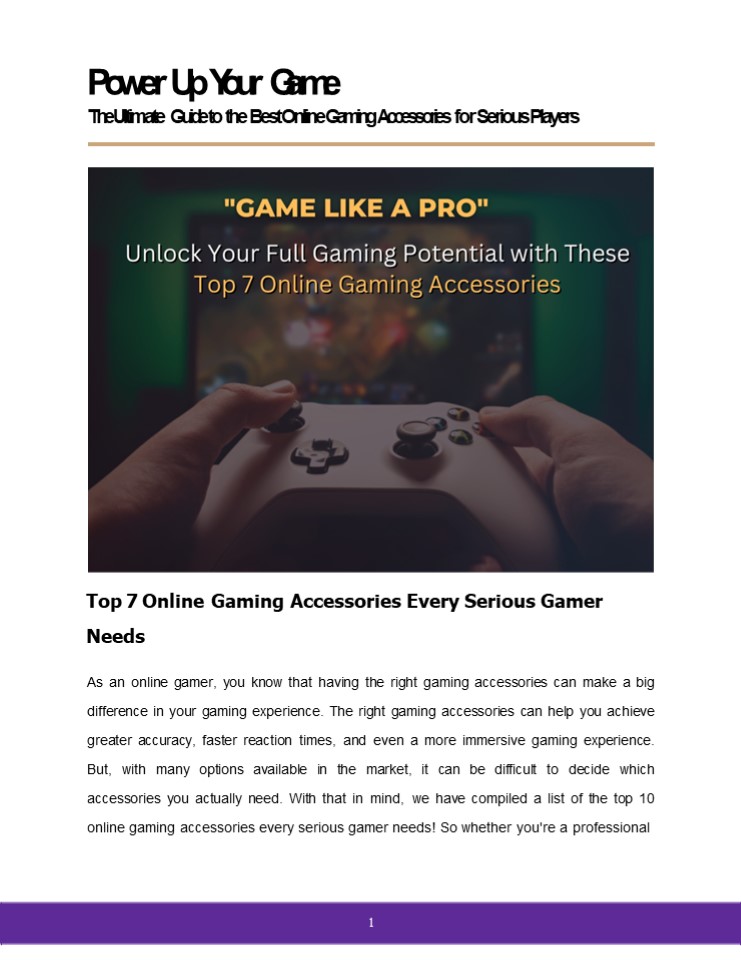
Title: Top 7 Online Gaming Accessories for Immersive Gaming Experience
1
Power Up Your Game
The Ultimate Guide to the Best Online Gaming
Accessories for Serious Players
Top 7 Online Gaming Accessories Every Serious
Gamer Needs As an online gamer, you know that
having the right gaming accessories can make a
big difference in your gaming experience. The
right gaming accessories can help you achieve
greater accuracy, faster reaction times, and even
a more immersive gaming experience. But, with
many options available in the market, it can be
difficult to decide which accessories you
actually need. With that in mind, we have
compiled a list of the top 10 online gaming
accessories every serious gamer needs! So whether
you're a professional
1
2
gamer, Casual Gamer or just looking to up your
game, read on to know the must-have PC Gaming
accessories that will make your gaming setup
truly unbeatable.
Here are the top 10 Online gaming
accessories 1. Gaming Mouse Why It Matters and
What to Look For When Buy Gaming Mouse
A gaming mouse is an essential device for any
gamer. It can make or break your experience when
you play online PC games. Gaming Mouse allow you
to control everything from your character's
movement to the
3
speed at which a video game runs. Get the best
mouse for gaming, and you'll be set for years of
enjoyment. Here are a few things that you
should know before buying your gaming mouse
online First, consider the DPI range. The
greater the DPI, the more sensitive the mouse is
to movement. This can be useful in fast-paced
games that need rapid responses. However, if you
prefer slower-paced games or have a larger
screen, a lower DPI may be more
comfortable. Second, Look for a mouse with
high-quality sensors and low latency. The more
accurate the sensor, the more responsive it will
be when you move it around on your desk or use
it in other activities. Another important factor
is the number of buttons. Some gaming mice have
additional buttons that can be customized to do
specific functions, such as quick access to
weapons or abilities. This may be a major
advantage in games that need quick response
speeds. Finally, consider the shape and size of
the mouse. Some gaming Mice are designed to be
used with specific grip styles, such as palm or
claw grip. Choose a mouse that fits comfortably
in your hand and lets you enjoy natural
movement. 2. Mechanical Keyboard Advantages
and Features
4
Mechanical Gaming keyboard is another must-have
accessory for serious gamers. Unlike traditional
rubber dome keyboards, mechanical keyboards use
individual switches for each key, providing a
more tactile and responsive typing experience.
This can be helpful for gaming, where every
keystroke counts. When choosing a mechanical
keyboard, there are a few key features to
consider.
First, consider the switch type. There are
several different types of switches, each with
its own unique feel and sound. Some switches are
better for gaming, while others are better for
typing. Second, the size of the keyboard. Some
mechanical keyboards are full-sized, while
others are more compact. Choose a size that fits
your gaming setup and allows for comfortable
typing. Finally, consider any extra features,
such as customizable lighting or macro keys.
These can be helpful for gaming, allowing you to
quickly access specific functions or create a
unique gaming environment.
5
3. Gaming Headset Sound Quality, Comfort,
Microphone Options
6
A gaming headset is one of the most important
accessories in the world of gaming. It's not just
for the audio quality. It's important to have a
good gaming experience because it allows you to
communicate with your teammates and opponents,
listen to the game audio in real-time as well as
allow you to be more active while playing the
game. Not only will this help you stay in the
game, but it also helps you get better at what
you're doing Heres What to Look For When Buy
Gaming Headset First, consider the sound quality.
Buy Gaming headset with high-quality drivers
that can provide clear, immersive sound. This can
be especially important for games with complex
soundscapes, such as first-person
shooters. Comfort is another important factor.
Look for a headset with soft, breathable ear
cushions and an adjustable headband. This will
allow you to wear the headset for long gaming
sessions without discomfort. Compatibility Buy
Gaming headset that is compatible with your
gaming platform or devices. Most headsets are
suitable for PCs, but if you want to use them
with a console or a mobile device, be sure it
has the appropriate interface. Finally, consider
the microphone options. Some gaming headsets have
a built-in microphone, while others have a
detachable or retractable microphone. Look for a
microphone with clear voice pickup and
noise-canceling features, which can help
eliminate background noise and improve
communication with your team.
7
4. Gaming Chair Ergonomics and Adjustability
A good gaming chair is essential for long gaming
sessions, providing comfort and support for your
body. It will help you to reduce any stress or
pain that may be building up within your body
during the time when you are playing a game as
well as
8
keep your back straight. A good gaming chair will
help you feel comfortable while you are playing
video games for hours on end, which is something
that can make all the difference when you're
trying to get into a game and stay there for long
periods of time.
When choosing a gaming chair, there are several
factors to consider.
First, consider the ergonomics. Look for a Gaming
chair that supports your lower back well and
gives you easy mobility at all times. This may
help prevent back pain discomfort that come
with sitting for long periods.
Adjustability is another important factor. Look
for a chair with rotation, seat height,
adjustable armrests. This will allow you to
adjust the chair to your body and gaming
environment, providing the utmost comfort
support.
Finally, think about the materials and build
quality. Look for a chair with high-quality
materials that can withstand long gaming sessions
and provide durability over time.
9
5. Gaming Monitor Resolution, Refresh Rates,
and Response Time
Undoubtedly, a gaming monitor is the most
important device in the online gaming world. Not
only do they help gamers to see what they're
doing, but they also give
10
them a dedicated space to play their favorite
games. Good gaming provides clear visuals and
fast response times. When choosing a gaming
monitor, there are several key factors to
consider.
First, Display Size Consider the monitor's size
based on your personal preferences and the space
you have available. Large Screen monitors provide
a more immersive gaming experience but they also
require a large desk or gaming setup. Second,
consider the resolution. A higher resolution will
deliver sharp and more realistic pictures, but
it may need a more powerful graphics card to work
smoothly. Look for a resolution that meets your
gaming setup and personal preferences.
Third, Refresh rate. The refresh rate of a
monitor determines how many times per second the
image is refreshed. A Higher refresh rate can
give more responsive and smooth action, which is
preferable in fast-paced games.
Finally, consider the response time. Response
time reflects the speed of how quickly the pixels
on the screen can change color. A faster response
time will help to eliminate blurry motion and
ghosting, which is resulting in a more precise
and responsive image.
11
6. Graphics Card Why a Good One is Important
for Gaming
12
Graphics card is the most essential component for
online gaming PC, which give the power and
performance needed to run games smoothly and with
high-quality visuals. But choosing the right
Graphics card is important. When choosing a
graphics card, there are some important factors
to keep in mind
Firstly, Compatibility. Ensure that the graphics
card you buy should be compatible with your
gaming PC components including the motherboard,
power supply, and physical space inside the
case. Check the card's interface (PCIe), power
requirements, and dimensions to confirm it fits
your setup.
Second, Performance. Buy graphics card that
provides the performance you need to run the
games you want to play at your desired resolution
and graphics settings. Before Buying, check
graphics card specifications such as clock speed,
number of cores, and memory bandwidth. Better
performance is usually found in higher-end
graphics card for gaming, but they cost more
money.
Third, Most Important, your Budget. Set a
budget for your graphics card purchase based on
your requirements. Prioritize the features
performance that matter most to you. Graphics
card price may vary, higher-end models generally
cost more. So, determine your spending limit
find the best balance between
13
performance and cost based on your needs.
consider the balance between performance,
features, and cost based on your needs.
Third, consider VRAM (Video RAM) capacity. VRAM
is graphics card memory used for storing and
accessing graphical data. Higher VRAM capacity
provides smooth gameplay at higher resolutions,
great performance, and better handling of
textures and graphical effects. Consider the VRAM
capacity in terms of your gaming needs and the
resolution you'll be playing at. Select a
graphics card with appropriate VRAM capacity.
Finally, consider the cooling Heat management
system. A graphics card can generate a lot of
heat, so it's important to choose a card with a
high-quality cooling system to prevent
overheating and reduce noise.
14
7. Gaming Controller Wired vs Wireless and
Compatibility
A gaming controller is important for console
gaming, providing a more comfortable
and enjoyable gaming experience. There are a
few essential factors to keep in mind when buying
a gaming controller. First, decide whether
you'll need a wired or wireless controller. Wired
gaming controllers provide a more reliable
connection and don't require batteries, whereas
15
wireless gaming controllers provide more freedom
of movement. Compatibility is another important
factor. Make sure to choose a controller that is
compatible with your gaming Setup, whether it's a
console or PC. Some Gaming controllers may need
extra software or drivers to work
properly. Finally, consider any extra features,
such as vibration feedback or customizable
buttons. These can be helpful for gaming,
providing a more immersive and personalized
gaming experience. Note It's also a good idea
to buy gaming accessories online from reputable
retailers. Remember to read reviews, compare
prices, and check for warranty information when
making your purchase. Here Are Some Most
reputable online gaming accessories store that
you can consider Amazon, Easyshoppi, Flipkart,
Games n Comps.
In conclusion, these are the top 7 online gaming
accessories every serious gamer needs. From a
high-quality gaming mouse and mechanical keyboard
to a comfortable gaming chair and powerful
graphics card, these Gaming accessories will help
you take your gaming to the next level. Whether
you're a professional gamer or just looking to up
your game, investing in these PC Gaming
accessories Online can make a world of difference
in your gaming experience. So don't settle for a
poor setup shop for gaming accessories online
today and start dominating the competition!
Shop Now
www.easyshoppi.com
Recommended

