

How to Transfer Contacts from HTC to Samsung Galaxy Note 4 Freely PowerPoint PPT Presentation
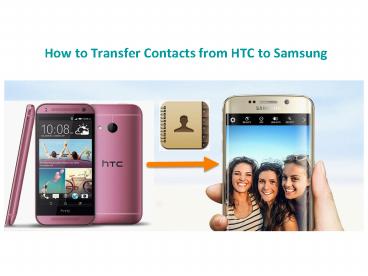
Title: How to Transfer Contacts from HTC to Samsung Galaxy Note 4 Freely
1
How to Transfer Contacts from HTC to Samsung
2
Method 1. Transfer contacts from HTC to Samsung
via Gihosoft Mobile Transfer software
Download Gihosoft Mobile Transfer now for free!
3
One-click phone to phone tranfer solution By
using Gihosoft mobile transfer, you can connect
smartphones to computer, and then transfer as
many file as you want in a click.
4
Method 2. How to transfer Contacts from HTC to
Samsung via Bluetooth
1. Preparation Please open Bluetooth on HTC and
Samsung S6, then pair the two mobile phones with
each other.
5
2. Send contacts by Bluetooth on HTC Please go
to contacts to send contacts following the below
instructions
6
3. Receive contacts.vcf file for importing on
Samsung S6 A notification will ask you to
receive the vcf file from HTC. Receive it and
then open it, then all the contacts will be
imported. More details about how to transfer
contacts from HTC to Samsung smartphone via
Bluetooth.
Recommended

