

How to add Product Properties in Spree Commerce PowerPoint PPT Presentation
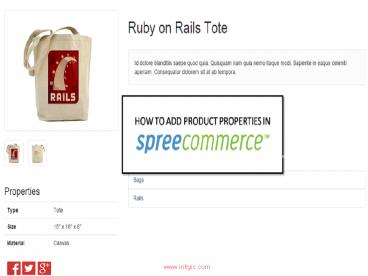
Title: How to add Product Properties in Spree Commerce
1
(No Transcript)
2
The spree commerce platform delivers ecommerce
solutions and is a great choice for many reasons.
One of them is a great bunch of functions and
settings one can adjust. If you are new to
Spree, you might come up with number of
questions. One of the most frequent ones is how
to use product properties properly.
3
Follow below mentioned easy steps to add product
properties in spree commerce All further
mentioned suggestions are general guidelines.
Results may vary between different Spree
installations.
4
STEP 1
Click the Products tab in your spree stores
admin panel and click Properties
5
STEP 2
In the Properties tab click the New Property
button
6
STEP 3
Enter relevant values for Name and
Presentation fields, such as product type and
country or any other attribute respectively then
hit Create
7
To update an existing product property in your
spree commerce store
8
STEP 1
Reach the existing product properties of the
product by navigating to the products properties
section
9
STEP 2
Edit the text box field for Name and
Presentation whichever you want to update
10
STEP 3
Click Update after you have made all the
necessary changes to product property.
11
NEED MORE ASSISTANCE?
Now you have successfully added product
properties. For further doubts, contact Infigic
for a free no hassle spree consultancy. Infigic
is a spree commerce development company
specializing in custom spree commerce development
and spree extension development solutions.
GO SOCIAL WITH INFIGIC
Not sure where to start? Were always
there Contact us via email
Recommended

