

How To Remove/Disable Your Credit Card Information From Chrome PowerPoint PPT Presentation
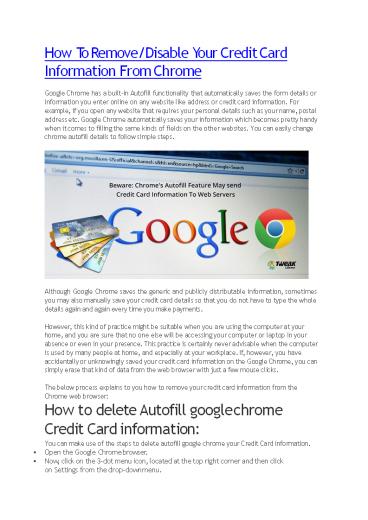
Title: How To Remove/Disable Your Credit Card Information From Chrome
1
How To Remove/Disable Your Credit Card
Information From Chrome Google Chrome has a
built-in Autofill functionality that
automatically saves the form details or
information you enter online on any website like
address or credit card information. For example,
if you open any website that requires your
personal details such as your name, postal
address etc. Google Chrome automatically saves
your information which becomes pretty handy when
it comes to filling the same kinds of fields on
the other websites. You can easily change chrome
autofill details to follow simple steps.
- Although Google Chrome saves the generic and
publicly distributable information, sometimes
you may also manually save your credit card
details so that you do not have to type the whole
details again and again every time you make
payments. - However, this kind of practice might be suitable
when you are using the computer at your home,
and you are sure that no one else will be
accessing your computer or laptop in your
absence or even in your presence. This practice
is certainly never advisable when the computer
is used by many people at home, and especially at
your workplace. If, however, you have
accidentally or unknowingly saved your credit
card information on the Google Chrome, you can
simply erase that kind of data from the web
browser with just a few mouse clicks. - The below process explains to you how to remove
your credit card information from the Chrome web
browser - How to delete Autofill google chrome Credit Card
information - You can make use of the steps to delete autofill
google chrome your Credit Card information. - Open the Google Chrome browser.
- Now, click on the 3-dot menu icon, located at the
top right corner and then click on Settings from
the drop-down menu.
2
- On the Settings screen, scroll down to the bottom
of the page and click on Advanced.
- Next, scroll down to the Passwords and forms
section and click on Autofill settings.
3
- Disable the option for Autofill settings by
moving the toggle to the OFF position.
So, using the above method you can change chrome
autofill details and secure your credit card
information. Dont need to worry about
unauthorized people exploiting it. Also Read How
To Disable Google Chrome Asking To Save Your
Password
Recommended

