

Fix Your Laptop’s Color and Brightness PowerPoint PPT Presentation
Title: Fix Your Laptop’s Color and Brightness
1
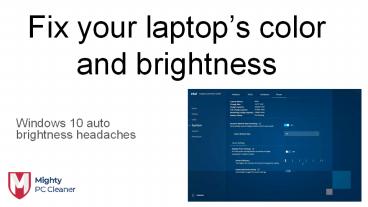
Fix your laptops color and brightness
- Windows 10 auto brightness headaches
2
How to fix Windows auto-brightness problems
- To launch the Intel Graphics Command Center app
in Windows 10, just click the Start button and
type Intel, which should bring up Graphics
Command Center as the first option.
Alternatively, you can find it by scrolling down
to the I section in your alphabetized app list.
3
How to adjust your laptops color and contrast
- As long as youre checking out the Intel Graphics
Command Center app, take a minute to visit the
Display tab (or click the computer monitor icon
when the app is running in a small window). From
here, click the Color tab, and youll see a menu
for adjusting your displays brightness,
contrast, hue, and saturation.
4
- The Intel Graphics Command Center app has some
other options, such as a video-specific picture
settings menu, a capture tool, and the ability to
set keyboard shortcuts for screen rotation. You
can safely avoid these, as none of them are
nearly as useful as the apps power settings and
color options.
5
Thank You Contact Us contact_at_mightypccleaner.com
https//mightypccleaner.com/fix-your-laptops-colo
r-and-brightness/
Recommended

