

Wanted to Fix Your IPad Which Is Refusing to Switch On? PowerPoint PPT Presentation
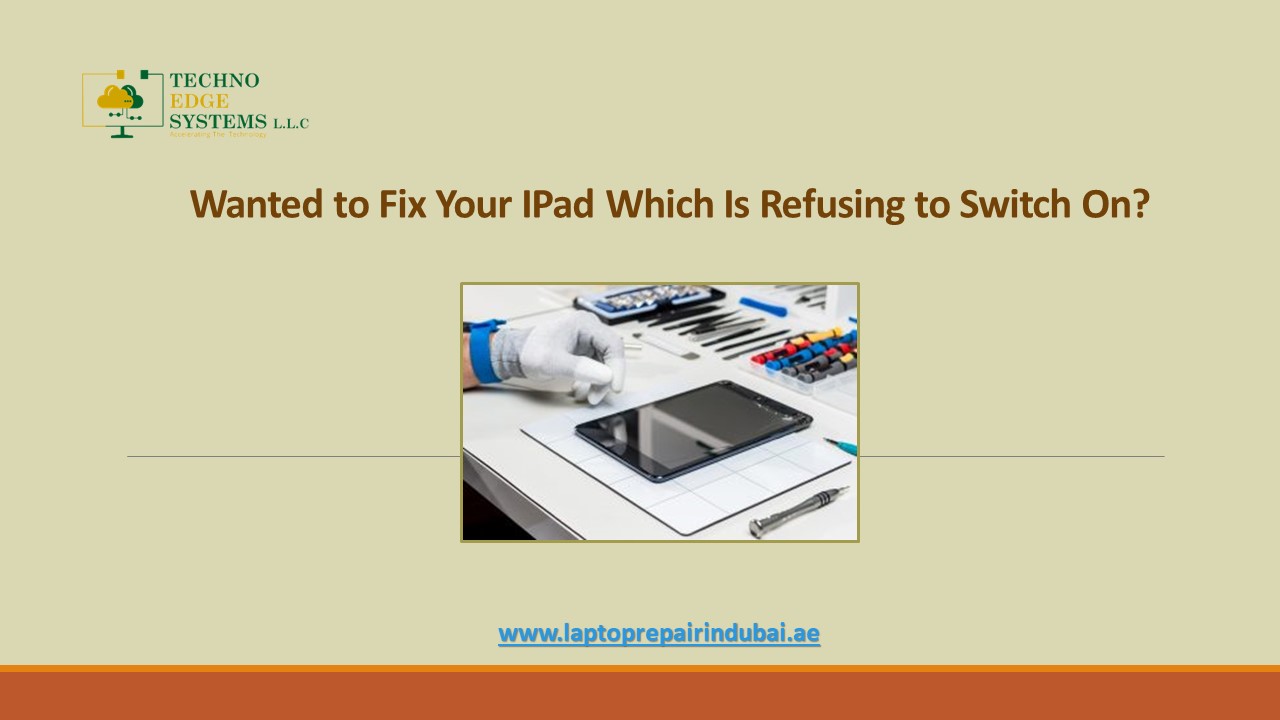
Title: Wanted to Fix Your IPad Which Is Refusing to Switch On?
1
Wanted to Fix Your IPad Which Is Refusing to
Switch On?
www.laptoprepairindubai.ae
2
- An iPad that is refusing to start can be a
dreadful situation. To look at the staring black
screen and wondering how to get it started can
literally freak you out. So, how to fix the iPad
and have it running once again? - Try out the methods listed below in the order to
bring the iPads black screen back into the world
of colors. As a last resort, however, you can
approach for iPad repair centers near you.
www.laptoprepairindubai.ae
3
Follow the Steps Below in Order to Have Your IPad
Buzzing with Life Once Again
- First the Power Button Press down the Sleep/wake
button for some time until the Apple logo
appears. If it does turn on, your job is done
consider yourself the luckiest person on earth. - Try Battery Charging Your next trial should be
to charge the iPad with the 10 w or 12 w chargers
for at least 20 min the iPad batteries are
bigger, hence it could take a longer time to
recharge.
www.laptoprepairindubai.ae
4
- Blame It on the App Some apps are power
guzzlers. Go to Settingsgt Battery section to
check if any of the recently downloaded apps is
the culprit. Uninstall the app and check if you
are able to turn the iPad on. - Could It Be the Charging Port Sometimes dust
accumulates inside the charging port and takes an
unusually long time to recharge before the iPad
screen turns on. - A Trivial Dim Screen Issue You will have to
swipe up from the bottom of the iPad screen and
increase the brightness levels in the brightness
section of the menu. In the case of iOS 12, you
will have to swipe down from the right corner to
adjust the brightness levels.
www.laptoprepairindubai.ae
5
- Try Restarting Sometimes, the iPad might have
switched off for unknown reasons all you have to
do is press down the Home and the sleep/wake
buttons simultaneously down to 15 seconds or
until you see the Apple logo to see if there was
no issue with the iPad, to begin with. - IPads Burping Issue For this, you need to wrap
a towel on either side of the iPad and pat it on
the back for one minute before giving up. If the
issue is resolved, nothing like it, else well
have to try the other alternatives.
www.laptoprepairindubai.ae
6
- IPad Updates For this, you need to connect the
iPad to a PC or a Mac by means of the power cord.
Click iTunes on the PC/Mac. Hold down the Home
button and the Sleep/Wake button of the iPad
until the Apple logo appears. Keep pressing down
the buttons until the iPad gets into the recovery
mode screen where you see the Restore and Update
options. - Restore IPad In case you do not have the backup,
the ideal thing to do is approach an Apple
certified repair center and have the issue
resolved to avoid any loss of data. No restore is
required if the situation is under control. - For iPad repair in Dubai though, Techno Edge
Systems L.L.C is invincible in providing the most
transparent iPad repair services across Dubai,
UAE at best possible rates within the least
turnaround time.
www.laptoprepairindubai.ae
7
- Visit Techno Edge Systems L.L.C for any IPad air
repair in Dubai. - Call us at 971-54-4653108 for more information.
- Visit www.laptoprepairindubai.ae.
Recommended

