

How to Simplify Your Tasks with a Free QR Code Generator PowerPoint PPT Presentation
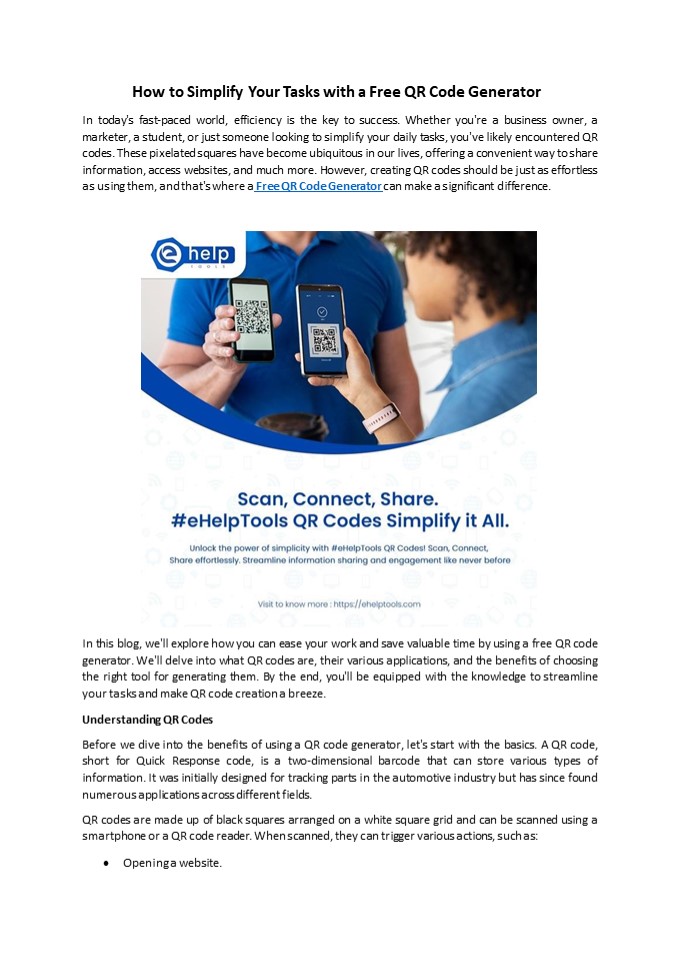
Title: How to Simplify Your Tasks with a Free QR Code Generator
1
How to Simplify Your Tasks with a Free QR Code
Generator In today's fast-paced world, efficiency
is the key to success. Whether you're a business
owner, a marketer, a student, or just someone
looking to simplify your daily tasks, you've
likely encountered QR codes. These pixelated
squares have become ubiquitous in our lives,
offering a convenient way to share information,
access websites, and much more. However, creating
QR codes should be just as effortless as using
them, and that's where a Free QR Code Generator
can make a significant difference.
- In this blog, we'll explore how you can ease your
work and save valuable time by using a free QR
code generator. We'll delve into what QR codes
are, their various applications, and the benefits
of choosing the right tool for generating them.
By the end, you'll be equipped with the knowledge
to streamline your tasks and make QR code
creation a breeze. - Understanding QR Codes
- Before we dive into the benefits of using a QR
code generator, let's start with the basics. A QR
code, short for Quick Response code, is a
two-dimensional barcode that can store various
types of information. It was initially designed
for tracking parts in the automotive industry but
has since found numerous applications across
different fields. - QR codes are made up of black squares arranged on
a white square grid and can be scanned using a
smartphone or a QR code reader. When scanned,
they can trigger various actions, such as - Opening a website.
2
- Displaying contact information (vCard).
- Connecting to a Wi-Fi network.
- Providing product details.
- Offering event information.
- Sharing location data.
- Sending a text message.
- QR codes have become a versatile tool for
businesses, educational institutions, event
organizers, and individuals looking to enhance
the way they share information and interact with
their audience. - The Many Applications of QR Codes
- QR codes have found applications in a wide range
of industries and everyday scenarios. Here are
some of the most common uses - Marketing and Advertising Businesses use QR
codes in their marketing materials, such as
posters, flyers, and product packaging, to
provide customers with easy access to additional
information, promotions, or special offers. - Contactless Payments Mobile payment apps often
use QR codes to complete transactions securely
and quickly. - Event Management Event organizers use QR codes
for ticketing, check-ins, and sharing event
details, schedules, and maps. - Inventory and Asset Management Companies use QR
codes to track and manage inventory, assets, and
equipment efficiently. - Education In the education sector, QR codes are
used in textbooks and learning materials to link
students to supplementary content like videos,
quizzes, and additional resources. - Healthcare QR codes on patient wristbands and
medication containers help medical professionals
access patient records and medication details
swiftly. - Restaurant Menus QR codes have become
increasingly popular in the wake of the COVID-19
pandemic, allowing diners to access menus by
scanning a code displayed on the table. - Given the wide range of applications, it's clear
that QR codes are an integral part of modern
life. But to make the most of them, you need a
tool that simplifies their creation. - Benefits of Using a Free QR Code Generator
- Now that we understand what QR codes are and how
they're used, let's explore the benefits of using
a free QR code generator.
3
- Accessibility Since these tools are online, you
can access them from anywhere with an internet
connection. This makes it convenient for
on-the-go tasks or remote work. - Time-Saving Using a free QR code generator saves
you time. Manually creating QR codes can be
cumbersome, especially if you have multiple codes
to generate. With a generator, you can do it
quickly and efficiently. - Error Avoidance QR code generators help reduce
the likelihood of errors. Manually typing in a
long web address or contact information can lead
to mistakes, but with a generator, you minimize
the risk. - How to Use a Free QR Code Generator
- Creating QR codes with a free generator is a
straightforward process. Here's a step-by-step
guide - Choose a QR Code Generator There are many free
QR code generators available online. You can
choose one that best suits your needs and
preferences. - Select the QR Code Type Decide what type of
information you want to encode in the QR code.
Options may include website URL, contact
information, Wi-Fi network details, text, or
others. - Enter the Information Input the relevant
information into the generator. For example, if
you're creating a contact QR code, you'll enter
the person's name, phone number, email address,
etc. - Customize (if desired) Some generators allow you
to customize the appearance of the QR code by
changing colors and adding an image or logo. - Generate the QR Code Click the "Generate" or
"Create" button. The QR code will be generated
and displayed on the screen. - Download or Save Download the QR code to your
computer or device. You can use it in your
materials, share it online, or print it as
needed. - Test the QR Code Before using the QR code in
your materials, make sure to test it by scanning
it with a QR code reader or a smartphone camera
to ensure it works as expected. - Using a free QR code generator is a simple and
efficient way to create QR codes for your various
needs. Whether you're promoting your business,
simplifying contact sharing, or streamlining an
event, these tools can make your tasks much
easier. - Read More Elevating Your Workflow with
eHelpTools Tips for Effective QR Code Usage - Now that you know how to create QR codes easily,
here are some tips to ensure their effective use - Design Matters Make your QR codes visually
appealing. While customization is great, avoid
making the QR code too complex or colorful, as it
may affect its scannability. - Size Consideration Ensure that the size of the
QR code is appropriate for its placement. A QR
code on a billboard will be larger than one on a
business card. - Testing Always test your QR codes before using
them in your materials or campaigns. Ensure they
work flawlessly and lead users to the intended
destination. - Track Performance Some QR code generators
provide analytics to help you track how often
the code is scanned. Use this data to evaluate
the effectiveness of your QR code campaigns.
Recommended

