

How to Maximize Productivity in a Shared Workspace PowerPoint PPT Presentation
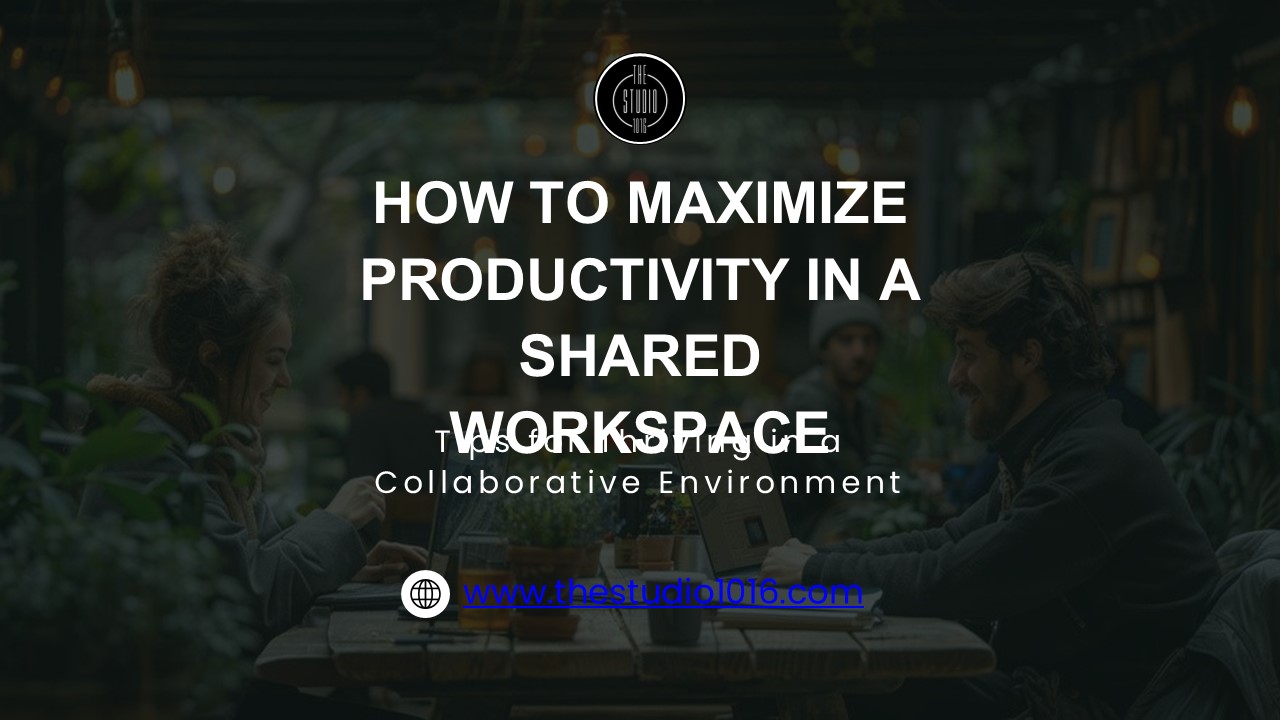
Title: How to Maximize Productivity in a Shared Workspace
1
HOW TO MAXIMIZE PRODUCTIVITY IN A SHARED WORKSPACE
Tips for Thriving in a Collaborative Environment
2
OVERVIEW
A shared workspace, also known as a coworking
space, is a flexible work environment where
individuals from different organizations or
freelancers work alongside each other. These
spaces are designed to foster collaboration,
creativity, and community, offering a range of
amenities like high-speed internet, meeting
rooms, and communal areas. Shared office spaces
are often more cost-effective than traditional
offices, especially for startups and remote
workers, as they provide access to professional
resources without the long-term commitment of a
lease. This model promotes networking
opportunities and can enhance productivity in a
dynamic and flexible setting.
3
HOW TO FIND THE PERFECT WORKSPACE
- Location Ensure easy access for your team and
proximity to clients. - Amenities Check for essential facilities like
internet, meeting rooms, and office equipment. - Atmosphere Align the space with your company
culture and work style. - Flexibility Look for spaces that offer flexible
terms for scaling or downsizing.
4
TIPS TO MAXIMIZE PRODUCTIVITY IN A SHARED
WORKSPACE
- Establish a Productive Routine
- Personalize Your Workstation
- Set Clear Boundaries
- Leverage Technology to the Maximum
- Minimize Distractions Noise
- Take Regular Breaks
- Collaborate Network Whenever Possible
5
ESTABLISH A PRODUCTIVE ROUTINE
- Consistency is keycreate a daily routine with
fixed working hours, lunch, and breaks. - Prioritize tasks and allocate time accordingly.
- A strict routine adds discipline to you workday,
helping you maximize productivity in a shared
workspace.
6
PERSONALIZE YOUR WORKSTATION
Personalizing your workstation can significantly
enhance productivity. Add personal touches like
photos, plants, or motivational quotes to create
a comforting environment. Keeping your desk
organized and using ergonomic furniture will
promote comfort and focus. Surrounding yourself
with inspiring colors and objects fosters
creativity, making your workspace a place of
motivation and ownership.
7
SET CLEAR BOUNDARIES
- Open communication is importantset boundaries to
avoid distractions in a shared open workspace. - Let colleagues know when you need focused,
uninterrupted time. - Use tools like headphones to block out noise when
necessary.
8
LEVERAGE TECHNOLOGY TO THE MAXIMUM
- Utilize tools like video conferencing, project
management apps, and cloud storage. - Technology helps you stay organized and
communicate efficiently. - Collaborate seamlessly with your team in a
coworking space using shared platforms.
9
MINIMIZE DISTRACTIONS NOISE
- Noise and activities in a shared coworking space
can be disruptive. - Find a quiet corner or use noise-canceling
headphones if needed. - Politely communicate with colleagues if they're
causing too much disturbance.
10
TAKE REGULAR BREAKS
- Breaks are essential to recharge and maintain
productivity. - Use break time to walk, stretch, listen to music,
or socialize. - Proper rest prevents burnout and keeps you
focused, even in a busy open workspace.
11
COLLABORATE NETWORK WHENEVER POSSIBLE
- One of the biggest advantages of shared coworking
spaces is networking. - Participate in community events, seminars, and
meet fellow professionals. - Collaboration leads to new ideas, partnerships,
and growth opportunities.
12
CONCLUSION
- Staying productive in a coworking space requires
discipline and organization. - Set a routine, communicate clearly, and minimize
distractions. - By following these tips, you can maximize
productivity in a shared workspace and achieve
your business goals.
13
THANK YOU
www.thestudio1016.com
www.linkedin.com/company/the-studio-1016
www.instagram.com/thestudio1016
www.facebook.com/TheStudio1016
www.youtube.com/_at_TheStudio_1016
Recommended

