

Enhance Your Website with MapGeo's Interactive Maps WordPress Plugin PowerPoint PPT Presentation
Title: Enhance Your Website with MapGeo's Interactive Maps WordPress Plugin
1
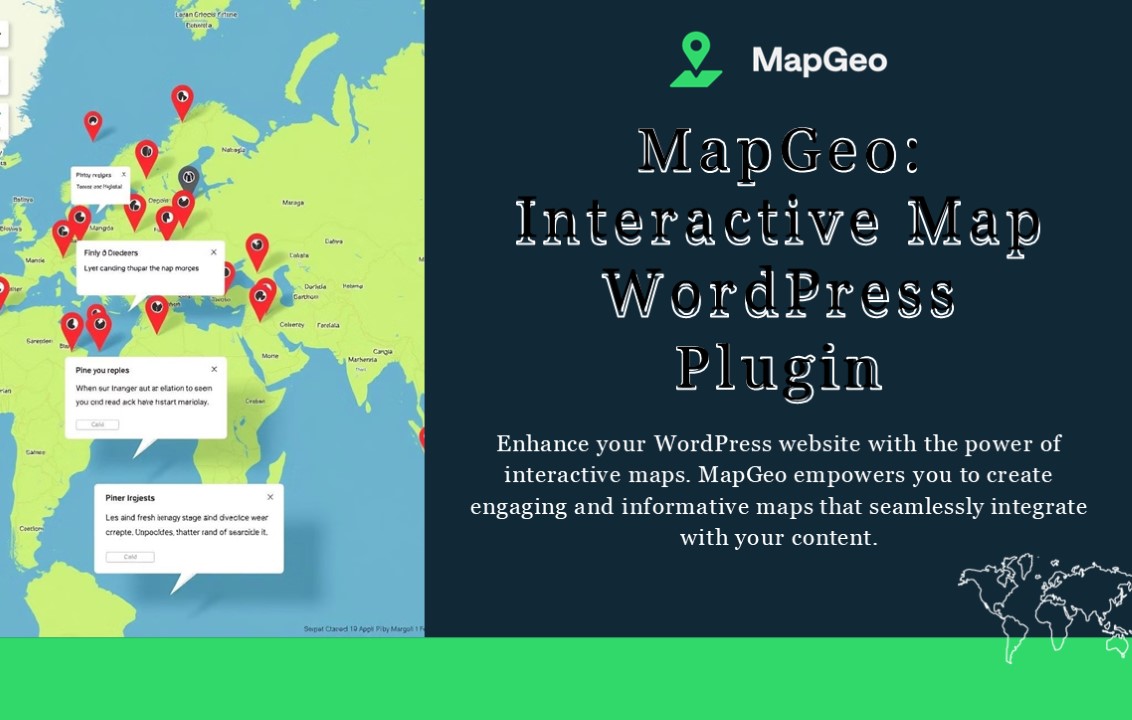
- Map Geo
- Interactive Map Word Press
Plugin Enhance your WordPress website with the
power of interactive maps. MapGeo empowers you
to create engaging and informative maps that
seamlessly integrate with your content.
2
Introduction to Map Geo
User- Friendly Interface Create unique markers
to represent specific locations on your maps.
Customize marker icons, colors, and sizes to
match your website.
Powerful Features Map Geo provides features for
adding interactive maps to your Word
Press website, including marker customization,
popups, and data integration.
Flexible Integration Integrate Map Geo
seamlessly with your Word Press website, adding
interactive maps to your pages, posts, and
custom post types.
3
Key Features of Map Geo
Custom Markers
2 Interactive Pop-
1
Ups Engage your visitors with informative pop-ups
that appear when they click on markers. Include
text, images, videos, and links to provide
detailed information about each location.
Create unique markers to represent specific
locations on your maps. Customize marker icons,
colors, and sizes to match your website's design.
Map Styling
3
Tailor your maps to match your brand's aesthetic
by customizing map styles, colors, and zoom
levels. Use different map themes or design your
own unique style.
4
Customization Options
Marker Customization Choose from pre-designed
icons or upload your own custom icons for
markers. Customize marker colors, sizes, and
shapes to reflect your brand's identity.
Map Styling Select from a variety of map styles
or create your own unique map styles using a
powerful drag- and-drop interface. Customize
colors, fonts, and labels to match your
website's design.
Pop- Up Content
Personalize pop-up content with rich text,
images, videos, and even embedded
forms. Customize the appearance of your pop-ups
with different layouts and styles.
5
Integrating Map Geo with Word Press
Installation MapGeo is easy to install using the
WordPress
1
plugin directory. Download and activate the
plugin with just a few clicks.
Configuration Configure MapGeo settings,
including API keys, map styles, and marker
customization options, to tailor the plugin to
your specific needs.
2
Embedding Maps Use the intuitive shortcode
generator to embed maps on your pages, posts, or
custom post types. Easily control map appearance
and functionality using the shortcode's options.
3
6
Use Cases and Examples
Travel Destinations Create interactive maps that
highlight travel destinations, attractions, and
points of interest for your travel blog or
website.
Business Locations Display store locations,
office branches, or service areas on a map to
help customers find you easily.
Event Locations Use MapGeo to display locations
for events, conferences, or workshops, providing
attendees with easy navigation and directions.
Real Estate Listings Showcase properties on a
map with detailed information and virtual tours,
making it easier for potential buyers to explore
options.
7
Conclusion and Call to Action
Integrate Map Geo seamlessly with your Word
Press website, adding interactive maps to
your pages, posts, and custom post types.
www.interactivegeomaps.com
Recommended

