

Enhancing Engagement: The Power of Creating Animations in PowerPoint Presentations PowerPoint PPT Presentation
Title: Enhancing Engagement: The Power of Creating Animations in PowerPoint Presentations
1
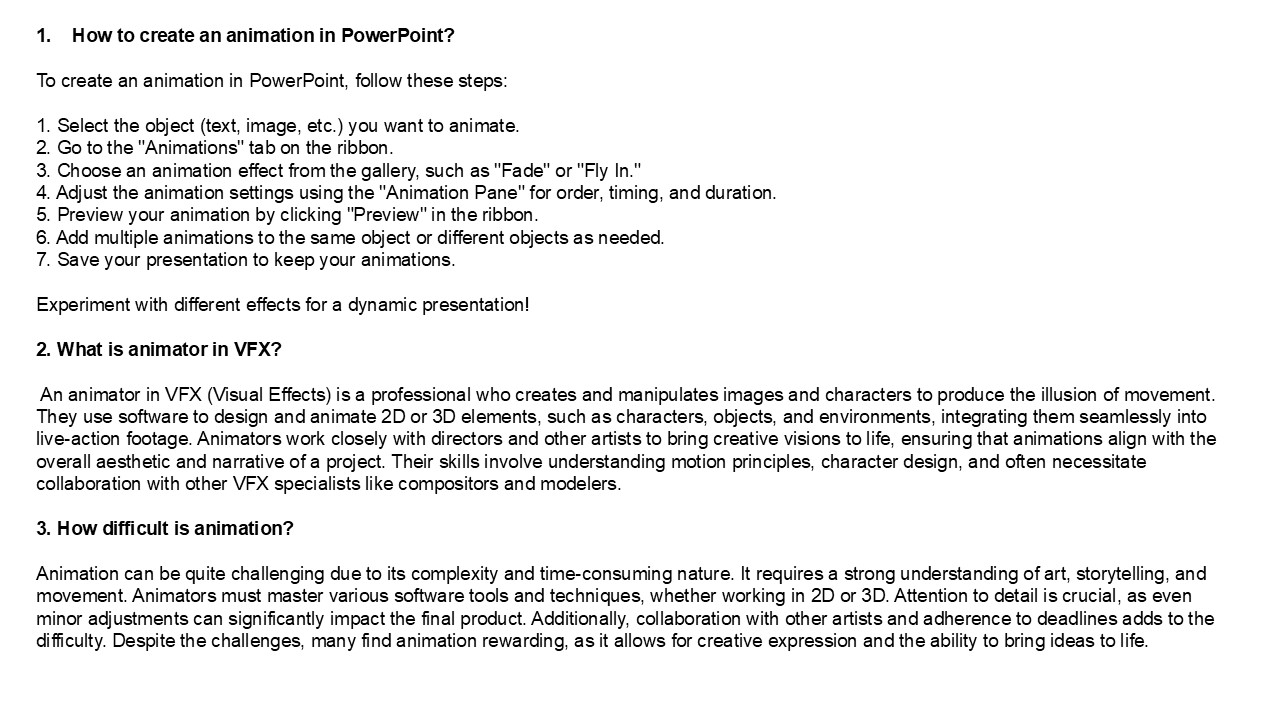
- How to create an animation in PowerPoint?
- To create an animation in PowerPoint, follow
these steps - 1. Select the object (text, image, etc.) you want
to animate. - 2. Go to the "Animations" tab on the ribbon.
- 3. Choose an animation effect from the gallery,
such as "Fade" or "Fly In." - 4. Adjust the animation settings using the
"Animation Pane" for order, timing, and duration. - 5. Preview your animation by clicking "Preview"
in the ribbon. - 6. Add multiple animations to the same object or
different objects as needed. - 7. Save your presentation to keep your
animations. - Experiment with different effects for a dynamic
presentation! - 2. What is animator in VFX?
- An animator in VFX (Visual Effects) is a
professional who creates and manipulates images
and characters to produce the illusion of
movement. They use software to design and animate
2D or 3D elements, such as characters, objects,
and environments, integrating them seamlessly
into live-action footage. Animators work closely
with directors and other artists to bring
creative visions to life, ensuring that
animations align with the overall aesthetic and
narrative of a project. Their skills involve
understanding motion principles, character
design, and often necessitate collaboration with
other VFX specialists like compositors and
modelers. - 3. How difficult is animation?
2
4. What is animation art style? Animation art
style refers to the visual aesthetic and design
approach used in animated works. It encompasses
elements like character design, color palette,
background art, and overall visual tone.
Different styles can evoke various emotions and
cater to specific audiences, ranging from the
realistic to the abstract. Common styles include
traditional 2D animation, 3D CGI, stop-motion,
and hand-drawn techniques. Each style influences
storytelling, character expression, and the
viewer's experience, contributing significantly
to the identity of animated films, series, or
games. 5. What is GIF in animation? GIF, or
Graphics Interchange Format, is a bitmap image
format widely used for simple animations on the
internet. It supports up to 256 colors and allows
for lossless compression, making it ideal for
short, looping animations. GIFs can contain
multiple frames, which are displayed in
succession to create the illusion of motion. Due
to their small file size and ease of sharing,
GIFs have become popular in social media and
online communication, often used to convey
emotions, reactions, or humorous
content. Visit VS Website See more Blog
Recommended

