

The Evolution of Design Practices in Social Media Marketing PowerPoint PPT Presentation
Title: The Evolution of Design Practices in Social Media Marketing
1
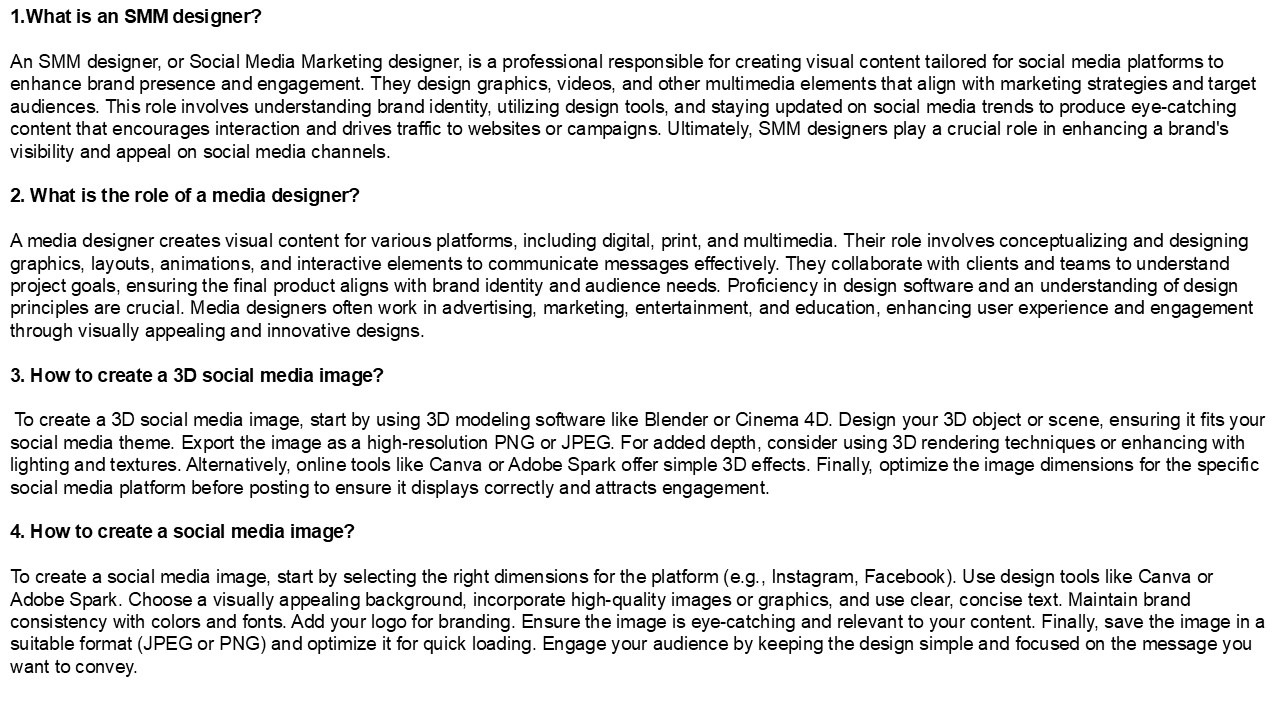
- 1.What is an SMM designer?
- An SMM designer, or Social Media Marketing
designer, is a professional responsible for
creating visual content tailored for social media
platforms to enhance brand presence and
engagement. They design graphics, videos, and
other multimedia elements that align with
marketing strategies and target audiences. This
role involves understanding brand identity,
utilizing design tools, and staying updated on
social media trends to produce eye-catching
content that encourages interaction and drives
traffic to websites or campaigns. Ultimately, SMM
designers play a crucial role in enhancing a
brand's visibility and appeal on social media
channels. - 2. What is the role of a media designer?
- A media designer creates visual content for
various platforms, including digital, print, and
multimedia. Their role involves conceptualizing
and designing graphics, layouts, animations, and
interactive elements to communicate messages
effectively. They collaborate with clients and
teams to understand project goals, ensuring the
final product aligns with brand identity and
audience needs. Proficiency in design software
and an understanding of design principles are
crucial. Media designers often work in
advertising, marketing, entertainment, and
education, enhancing user experience and
engagement through visually appealing and
innovative designs. - 3. How to create a 3D social media image?
- To create a 3D social media image, start by
using 3D modeling software like Blender or Cinema
4D. Design your 3D object or scene, ensuring it
fits your social media theme. Export the image as
a high-resolution PNG or JPEG. For added depth,
consider using 3D rendering techniques or
enhancing with lighting and textures.
Alternatively, online tools like Canva or Adobe
Spark offer simple 3D effects. Finally, optimize
the image dimensions for the specific social
media platform before posting to ensure it
displays correctly and attracts engagement. - 4. How to create a social media image?
- To create a social media image, start by
selecting the right dimensions for the platform
(e.g., Instagram, Facebook). Use design tools
like Canva or Adobe Spark. Choose a visually
appealing background, incorporate high-quality
images or graphics, and use clear, concise text.
Maintain brand consistency with colors and fonts.
Add your logo for branding. Ensure the image is
eye-catching and relevant to your content.
Finally, save the image in a suitable format
(JPEG or PNG) and optimize it for quick loading.
Engage your audience by keeping the design simple
and focused on the message you want to convey.
2
5. How has social media changed design? Social
media has transformed design by promoting
real-time feedback, fostering collaboration, and
democratizing creativity. Designers can now share
their work instantly, gaining inspiration from a
global audience. Platforms like Instagram and
Pinterest enable trends to spread rapidly,
influencing styles and aesthetics. User-generated
content has shifted focus towards accessibility
and inclusivity in design. Additionally, social
media analytics provide insights into audience
preferences, allowing designers to tailor their
work effectively. Overall, it has created a more
interactive and dynamic design landscape,
emphasizing community engagement and
adaptability. Visit VS Website See more Blog
Recommended

