

How Lens360 is Setting New Standards in 360 Photo Documentation Software PowerPoint PPT Presentation
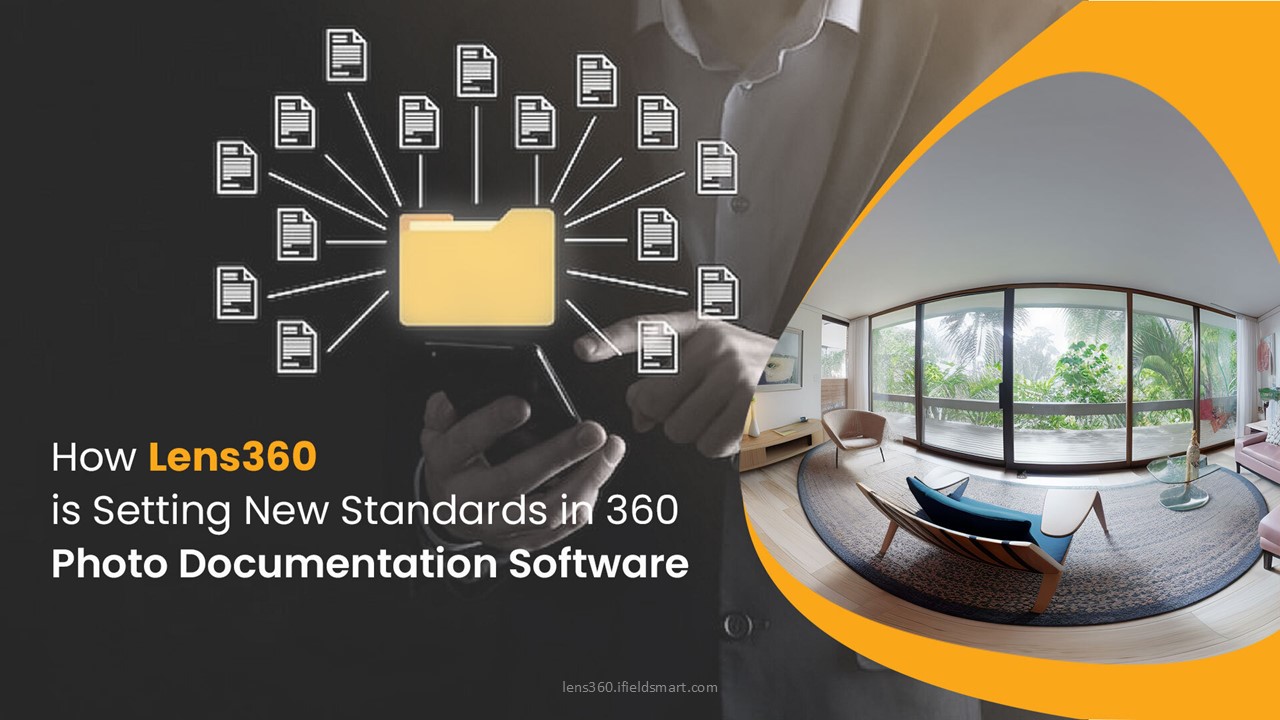
Title: How Lens360 is Setting New Standards in 360 Photo Documentation Software
1
(No Transcript)
2
How Lens360 is Setting New Standards in 360 Photo
Documentation Software
- Introduction
- In the evolving landscape of digital
documentation, 360 photo documentation has
emerged as a pivotal tool for various industries,
providing an immersive and comprehensive view of
environments and objects. Lens360, developed by
iFieldSmart Technologies, stands at the forefront
of this technology, offering robust solutions
tailored to meet diverse documentation needs. - This article delves into the nuances of 360 photo
documentation, the challenges faced without it,
the benefits it offers, and the innovative
features that make Lens360 a leading software
solution. Furthermore, we explore the integration
of artificial intelligence (AI) and machine
learning (ML) within this domain and provide a
detailed FAQ section to guide users in selecting
the best 360 photo documentation software.
3
Understanding 360 Photo Documentation
- What is 360 Photo Documentation?
- 360 photo documentation involves capturing images
that provide a full panoramic view of a scene.
This technique enables users to visualize spaces
as if they were physically present, enhancing
understanding and analysis. The images are
typically captured using specialized cameras that
can record a complete spherical view, often
stitched together through software to create a
seamless representation. This immersive
documentation format is particularly beneficial
in sectors where visual accuracy is paramount,
such as real estate, construction, and
environmental monitoring.
4
Understanding 360 Photo Documentation
- Technical Aspects of 360 Photo Documentation
- The technical foundation of 360 photo
documentation rests on several key components - 1. Camera Technology Devices like 360-degree
cameras utilize multiple lenses to capture images
from various angles simultaneously.
High-resolution sensors are critical for ensuring
image clarity. The advent of consumer-grade 360
cameras has democratized this technology, making
it accessible for small businesses and individual
users. - 2. Stitching Algorithms Software algorithms
combine multiple images into a cohesive
360-degree view. This involves correcting lens
distortion, aligning images, and ensuring color
consistency. Advanced stitching techniques
minimize visible seams and artifacts, resulting
in a more polished final product. - 3. User Interface (UI) An intuitive UI is
essential for users to navigate through the
360-degree images, enabling features such as
zooming, panning, and hotspots for additional
information. A well-designed interface can
significantly enhance user engagement and make
the technology approachable for non-technical
users. - 4. Cloud Integration Many 360 photo
documentation solutions leverage cloud storage
for easy access, sharing, and collaboration,
enhancing workflow efficiency. Cloud capabilities
enable teams to work remotely, facilitating
real-time updates and feedback.
5
Understanding 360 Photo Documentation
- Technical Aspects of 360 Photo Documentation
- The technical foundation of 360 photo
documentation rests on several key components - 1. Camera Technology Devices like 360-degree
cameras utilize multiple lenses to capture images
from various angles simultaneously.
High-resolution sensors are critical for ensuring
image clarity. The advent of consumer-grade 360
cameras has democratized this technology, making
it accessible for small businesses and individual
users. - 2. Stitching Algorithms Software algorithms
combine multiple images into a cohesive
360-degree view. This involves correcting lens
distortion, aligning images, and ensuring color
consistency. Advanced stitching techniques
minimize visible seams and artifacts, resulting
in a more polished final product. - 3. User Interface (UI) An intuitive UI is
essential for users to navigate through the
360-degree images, enabling features such as
zooming, panning, and hotspots for additional
information. A well-designed interface can
significantly enhance user engagement and make
the technology approachable for non-technical
users. - 4. Cloud Integration Many 360 photo
documentation solutions leverage cloud storage
for easy access, sharing, and collaboration,
enhancing workflow efficiency. Cloud capabilities
enable teams to work remotely, facilitating
real-time updates and feedback.
6
Understanding 360 Photo Documentation
- Challenges without 360 Photo Documentation
- Without 360 photo documentation, organizations
face several challenges - 1. Limited Visualization Traditional photography
provides a constrained perspective, limiting the
viewer's understanding of the context and spatial
relationships. Flat images can obscure important
details, making it difficult for stakeholders to
grasp the full scope of a project. - 2. Increased Miscommunication In industries such
as construction or real estate, relying on flat
images can lead to misunderstandings about
project scope and requirements. Miscommunication
can result in costly delays and rework, impacting
overall project timelines. - 3. Inefficient Documentation Processes Manual
documentation methods often involve
labor-intensive processes that can lead to errors
and omissions. Time spent on manual documentation
could be better utilized in other critical
project areas. - 4. Inadequate Collaboration Stakeholders often
struggle to share and visualize project
developments without immersive tools, hindering
effective collaboration. This can lead to siloed
information, where team members are not aligned
on project status or next steps. - 5. Loss of Historical Context Traditional
documentation methods often lack the ability to
provide a historical view of changes over time.
Without a 360-degree perspective, it can be
challenging to understand how a site or object
has evolved, which is crucial for many
industries, including construction and urban
planning.
7
Understanding 360 Photo Documentation
- Benefits of 360 Photo Documentation
- The advantages of employing 360 photo
documentation are manifold - 1. Enhanced Contextual Understanding Users gain
a comprehensive view of environments,
facilitating better decision-making. This is
especially crucial in fields like real estate,
where buyers can virtually tour properties before
making a decision. - 2. Improved Communication 360 images serve as a
universal language, reducing the potential for
miscommunication among team members and
stakeholders. Visual documentation helps bridge
gaps between technical and non-technical team
members, ensuring everyone is on the same page. - 3. Efficient Workflow Streamlined documentation
processes save time and resources, allowing teams
to focus on critical tasks rather than cumbersome
paperwork. This efficiency can lead to faster
project completions and reduced operational
costs. - 4. Increased Engagement Interactive 360 content
can captivate clients and stakeholders, enhancing
presentations and marketing efforts. Engaging
visuals can lead to higher conversion rates in
sales and increased interest in projects. - 5. Rich Data Capture The ability to embed data
and annotations directly within 360 images allows
for more informed decision-making. For example,
stakeholders can leave comments or highlight
areas of concern, fostering a collaborative
environment. - 6. Accessibility 360 documentation can be
accessed from various devices, including
smartphones and tablets, allowing users to view
content anytime, anywhere. This flexibility is
essential for teams that operate in the field or
require remote access to project data.
8
Lens360 A Top Photo Documentation Software
- Lens360 stands out as a premier solution in the
realm of 360 photo documentation, developed by
iFieldSmart Technologies. Key features include - 1. User-Friendly Interface Lens360 offers an
intuitive platform that simplifies the process of
capturing and managing 360-degree photos,
ensuring accessibility for users of all technical
backgrounds. This ease of use is particularly
beneficial for organizations looking to onboard
new team members quickly. - 2. Advanced Stitching Technology The software
employs cutting-edge stitching algorithms that
produce high-quality, seamless images, minimizing
the need for manual adjustments. This not only
saves time but also enhances the overall quality
of the documentation. - 3. AI and ML Integration Lens360 harnesses AI
and ML technologies to automate image processing,
enhance image quality, and provide intelligent
insights, such as identifying critical areas
requiring attention. This integration allows
users to focus on strategic tasks rather than
technical adjustments. - 4. Collaboration Tools Built-in sharing and
collaboration features enable teams to work
together in real time, improving project outcomes
and timelines. Users can share links to 360
images, gather feedback, and make collaborative
decisions directly within the platform. - 5. Mobile Compatibility Lens360 is designed for
mobile use, allowing users to capture and manage
images on-the-go, a vital feature for field
operations. The mobile app enables instant upload
and processing of 360 images, streamlining
workflows. - 6. Customization Options Lens360 allows users
to customize their documentation experience with
branding and project-specific templates, ensuring
that all outputs align with organizational
standards.
9
Integration of AI and ML in 360 Photo
Documentation
- The integration of AI and ML into 360 photo
documentation is transforming how organizations
approach their documentation needs - 1. Automated Image Enhancements AI algorithms
can analyze captured images and automatically
adjust parameters such as brightness, contrast,
and saturation for optimal clarity. This reduces
the need for extensive post-processing and speeds
up the overall documentation workflow. - 2. Object Recognition Machine learning models
can identify and categorize objects within the
360 images, providing users with valuable
metadata and insights. For instance, in
construction, this can help track equipment usage
or monitor material stock levels. - 3. Predictive Analytics By analyzing historical
data, AI can forecast potential project
challenges or maintenance needs, enabling
proactive planning. This predictive capability is
crucial in sectors like facility management,
where timely interventions can prevent costly
downtimes. - 4. Enhanced User Experience Intelligent
navigation tools powered by AI improve the user
experience, allowing for faster access to
relevant information. For example, AI can
prioritize the most frequently accessed images or
data points based on user behavior. - 5. Data Security and Privacy AI-driven security
features can monitor for unauthorized access or
data breaches, ensuring that sensitive
information captured through 360 documentation
remains secure.
10
Conclusion
- 360 photo documentation has revolutionized how
organizations capture and utilize visual
information. Lens360, developed by iFieldSmart
Technologies, exemplifies the benefits of this
technology, offering advanced features that
streamline documentation processes while
integrating cutting-edge AI and ML capabilities.
By addressing the challenges inherent in
traditional documentation methods, Lens360
empowers teams to enhance collaboration, improve
communication, and ultimately drive project
success. - As the demand for immersive documentation
continues to grow, Lens360 stands ready to meet
the evolving needs of industries worldwide,
ensuring that organizations can leverage the
power of 360 photo documentation to its fullest
potential. The future of documentation is here,
and with Lens360, organizations can document,
share, and collaborate in ways previously thought
impossible. - Read more lens360.ifieldsmart.com/blog/post/how-
lens360-is-setting-new-standards-in-360-photo-docu
mentation-software
Recommended

