

Techniques for Expanding Background Layers and Maintaining Proportions PowerPoint PPT Presentation
Title: Techniques for Expanding Background Layers and Maintaining Proportions
1
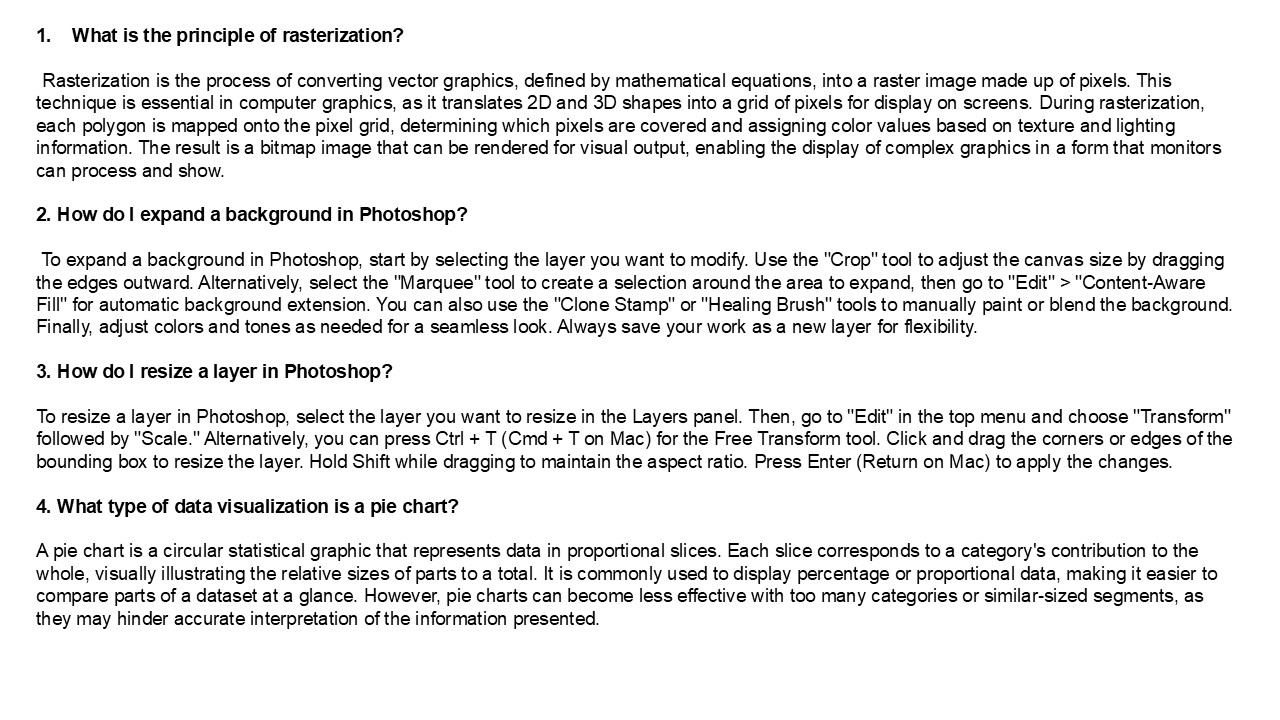
- What is the principle of rasterization?
- Rasterization is the process of converting
vector graphics, defined by mathematical
equations, into a raster image made up of pixels.
This technique is essential in computer graphics,
as it translates 2D and 3D shapes into a grid of
pixels for display on screens. During
rasterization, each polygon is mapped onto the
pixel grid, determining which pixels are covered
and assigning color values based on texture and
lighting information. The result is a bitmap
image that can be rendered for visual output,
enabling the display of complex graphics in a
form that monitors can process and show. - 2. How do I expand a background in Photoshop?
- To expand a background in Photoshop, start by
selecting the layer you want to modify. Use the
"Crop" tool to adjust the canvas size by dragging
the edges outward. Alternatively, select the
"Marquee" tool to create a selection around the
area to expand, then go to "Edit" gt
"Content-Aware Fill" for automatic background
extension. You can also use the "Clone Stamp" or
"Healing Brush" tools to manually paint or blend
the background. Finally, adjust colors and tones
as needed for a seamless look. Always save your
work as a new layer for flexibility. - 3. How do I resize a layer in Photoshop?
- To resize a layer in Photoshop, select the layer
you want to resize in the Layers panel. Then, go
to "Edit" in the top menu and choose "Transform"
followed by "Scale." Alternatively, you can press
Ctrl T (Cmd T on Mac) for the Free Transform
tool. Click and drag the corners or edges of the
bounding box to resize the layer. Hold Shift
while dragging to maintain the aspect ratio.
Press Enter (Return on Mac) to apply the changes. - 4. What type of data visualization is a pie
chart? - A pie chart is a circular statistical graphic
that represents data in proportional slices. Each
slice corresponds to a category's contribution to
the whole, visually illustrating the relative
sizes of parts to a total. It is commonly used to
display percentage or proportional data, making
it easier to compare parts of a dataset at a
glance. However, pie charts can become less
effective with too many categories or
similar-sized segments, as they may hinder
accurate interpretation of the information
presented.
2
5. What kind of data do pie charts explore? Pie
charts explore categorical data, representing
parts of a whole. They visually display the
proportion of each category relative to the
total, making it easier to compare different
segments. Each slice corresponds to a category's
percentage, allowing viewers to quickly grasp the
distribution of data. Pie charts are effective
for illustrating simple relationships among a
limited number of categories, but they are less
effective with complex data sets or when
categories have similar values. Visit VS
Website See more Blog
Recommended

