

Essential Elements of a Professional Meeting Invitation: Purpose, Date, and Location PowerPoint PPT Presentation
Title: Essential Elements of a Professional Meeting Invitation: Purpose, Date, and Location
1
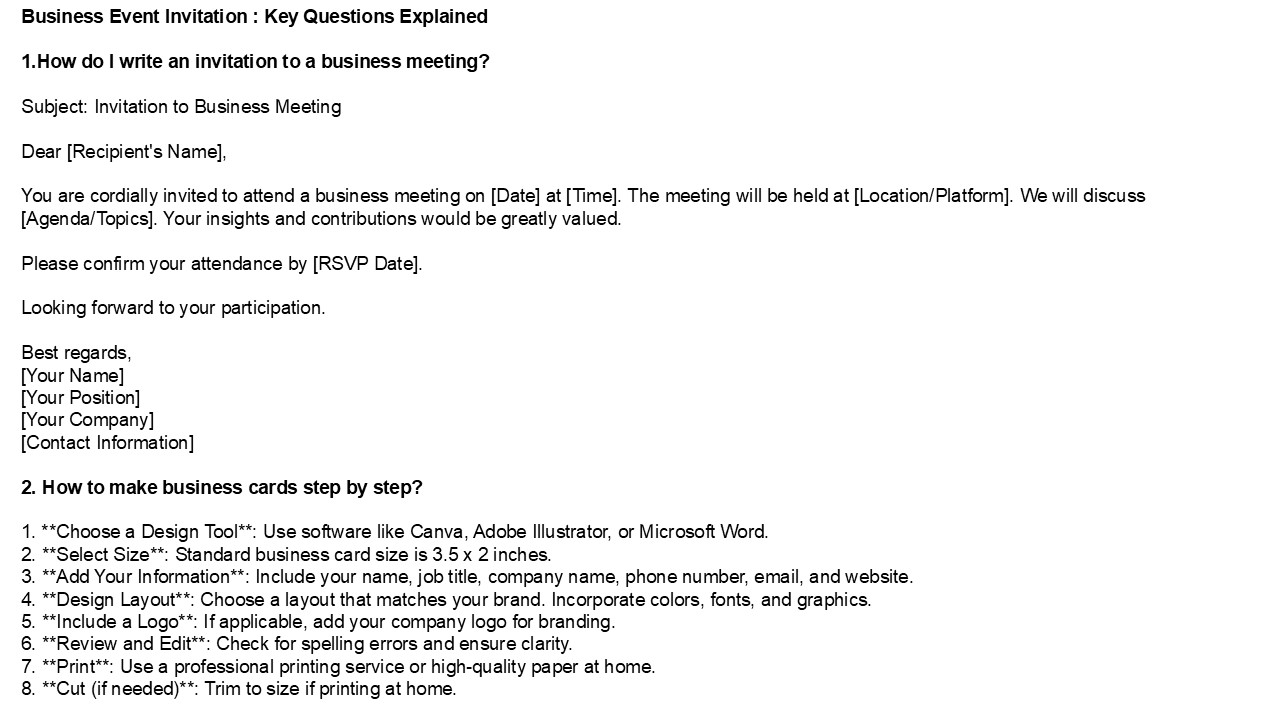
Business Event Invitation Key Questions
Explained 1.How do I write an invitation to a
business meeting? Subject Invitation to
Business Meeting Dear Recipient's Name, You
are cordially invited to attend a business
meeting on Date at Time. The meeting will be
held at Location/Platform. We will discuss
Agenda/Topics. Your insights and contributions
would be greatly valued. Please confirm your
attendance by RSVP Date. Looking forward to
your participation. Best regards, Your Name
Your Position Your Company Contact
Information 2. How to make business cards step
by step? 1. Choose a Design Tool Use
software like Canva, Adobe Illustrator, or
Microsoft Word. 2. Select Size Standard
business card size is 3.5 x 2 inches. 3. Add
Your Information Include your name, job title,
company name, phone number, email, and
website. 4. Design Layout Choose a layout
that matches your brand. Incorporate colors,
fonts, and graphics. 5. Include a Logo If
applicable, add your company logo for
branding. 6. Review and Edit Check for
spelling errors and ensure clarity. 7. Print
Use a professional printing service or
high-quality paper at home. 8. Cut (if
needed) Trim to size if printing at home.
2
3. How to design a business card in PowerPoint?
To design a business card in PowerPoint, start
by setting the slide size to standard business
card dimensions (3.5 x 2 inches). Go to the
"Design" tab, select "Slide Size," and choose
"Custom Slide Size." Use shapes to create the
card layout, adding rectangles for the background
and text boxes for your name, title, contact
information, and logo. Customize fonts, colors,
and styles to reflect your brand. Once finished,
save the slide as a PDF for high-quality
printing. Finally, ensure proper alignment and
spacing for a professional look. 4. What are 5
tips to designing a business card? 1. Keep It
Simple Avoid clutter focus on essential
information like your name, title, and contact
details. 2. Choose Readable Fonts Use
clear, professional fonts that are easy to read
in various sizes. 3. Incorporate Branding
Use your logo and brand colors to ensure
consistency with your overall brand identity.
4. Use Quality Materials Opt for durable
cardstock and finishes that convey
professionalism. 5. Include a Call to
Action Encourage recipients to visit your
website or connect on social media for more
engagement. 5. How do I invite business
partners? To invite business partners, start
with a personalized email or message outlining
your proposal. Clearly state the purpose of the
partnership, highlighting mutual benefits.
Schedule a meeting or call to discuss ideas
further, and be open to their suggestions.
Maintain a professional tone, provide relevant
information about your business, and express
enthusiasm about potential collaboration. Follow
up with a formal invitation if necessary, and
ensure all communication reflects your business
values. Lastly, be prepared to address any
questions or concerns they may have.
3
Visit VS Website See more Blog
Recommended

