

Customizing Your PowerPoint Template: A Guide to Personalizing Your Presentations PowerPoint PPT Presentation
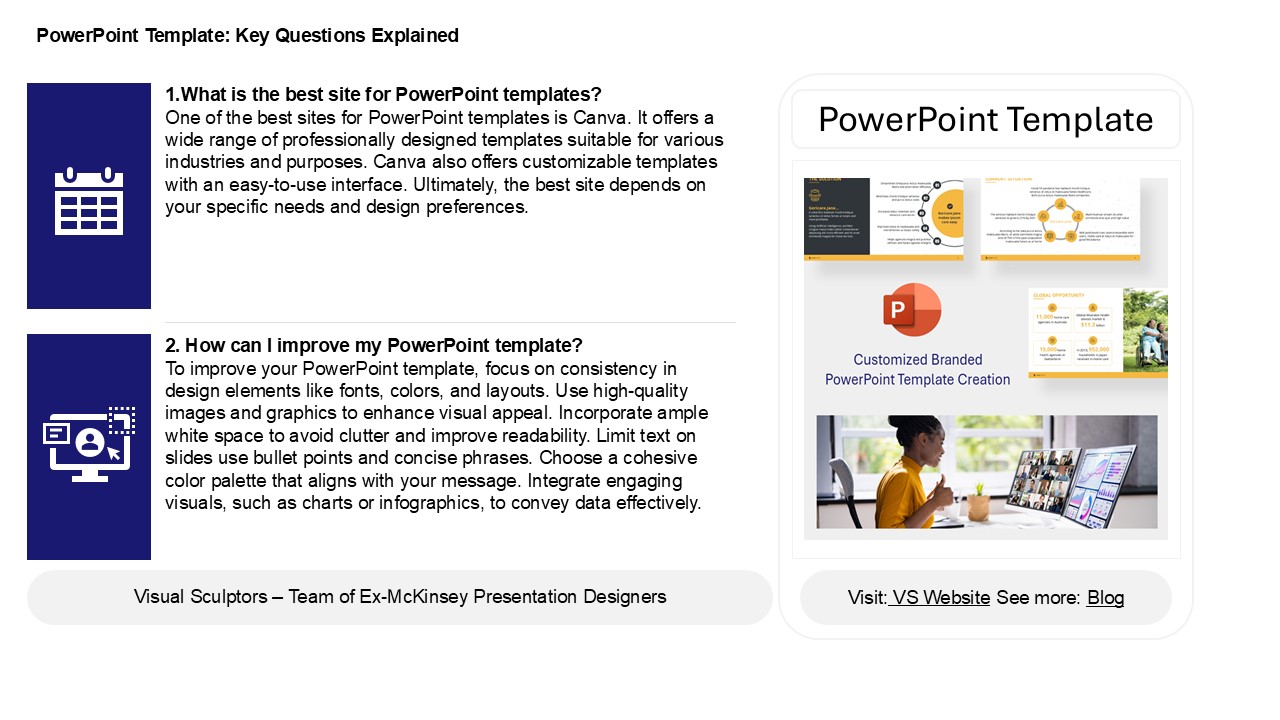
Title: Customizing Your PowerPoint Template: A Guide to Personalizing Your Presentations
1
PowerPoint Template Key Questions Explained
1.What is the best site for PowerPoint templates?
One of the best sites for PowerPoint
templates is Canva. It offers a wide range of
professionally designed templates suitable for
various industries and purposes. Canva also
offers customizable templates with an easy-to-use
interface. Ultimately, the best site depends on
your specific needs and design preferences.
PowerPoint Template
2. How can I improve my PowerPoint template? To
improve your PowerPoint template, focus on
consistency in design elements like fonts,
colors, and layouts. Use high-quality images and
graphics to enhance visual appeal. Incorporate
ample white space to avoid clutter and improve
readability. Limit text on slides use bullet
points and concise phrases. Choose a cohesive
color palette that aligns with your message.
Integrate engaging visuals, such as charts or
infographics, to convey data effectively.
2
PowerPoint Template Key Questions Explained
3. How do I use different templates in
PowerPoint? To use different templates in
PowerPoint, start by opening the program and
selecting "New" from the File menu. Browse the
template options available online or from your
computer. Click on a template to preview it, then
select "Create" to start a new presentation with
that design. You can also apply a template to an
existing presentation by going to the "Design"
tab, choosing "Browse for Themes," and selecting
your desired template file. Customize the
template by adding your content, adjusting
layouts, and modifying colors as needed.
4. How do I get different PPT templates? To get
different PowerPoint (PPT) templates, you can
search online for free or premium templates that
are available online. Microsoft PowerPoint also
offers built-in templates accessible through the
"New" menu. Additionally, you can download
templates from many online platforms. If you
prefer a personalized touch, consider creating
your own template by customizing a blank slide
with your desired colors, fonts, and layouts.
Don't forget to check for any licensing
agreements if using templates from third-party
sites.
5. Which PowerPoint features is best? The best
PowerPoint features include Slide Master for
consistent design, SmartArt for visually
appealing diagrams, and Presenter View for
seamless presentations. The collaboration tools
allow multiple users to edit simultaneously,
enhancing teamwork. Animations and transitions
add dynamism, while the ability to embed
multimedia enriches content. The integration of
data visualization tools, like charts and graphs,
helps in effectively communicating information.
Overall, the effectiveness of these features
depends on the presentation's purpose and
audience engagement.
Recommended

