

Enhancing PowerPoint Presentations for Maximum Impact PowerPoint PPT Presentation
Title: Enhancing PowerPoint Presentations for Maximum Impact
1
Ex-McKinsey Trained PowerPoint Designer Creator
Common Queries Answered
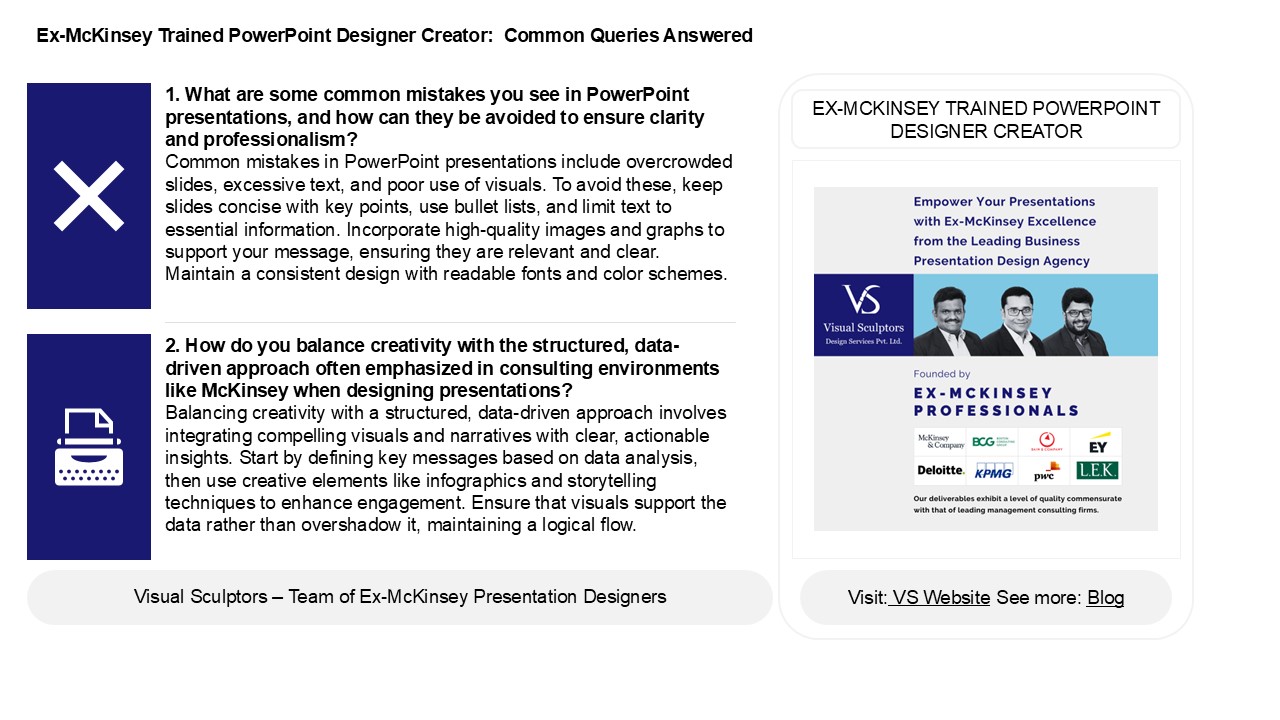
1. What are some common mistakes you see in
PowerPoint presentations, and how can they be
avoided to ensure clarity and professionalism?
Common mistakes in PowerPoint presentations
include overcrowded slides, excessive text, and
poor use of visuals. To avoid these, keep slides
concise with key points, use bullet lists, and
limit text to essential information. Incorporate
high-quality images and graphs to support your
message, ensuring they are relevant and clear.
Maintain a consistent design with readable fonts
and color schemes.
EX-MCKINSEY TRAINED POWERPOINT DESIGNER CREATOR
2. How do you balance creativity with the
structured, data-driven approach often emphasized
in consulting environments like McKinsey when
designing presentations? Balancing creativity
with a structured, data-driven approach involves
integrating compelling visuals and narratives
with clear, actionable insights. Start by
defining key messages based on data analysis,
then use creative elements like infographics and
storytelling techniques to enhance engagement.
Ensure that visuals support the data rather than
overshadow it, maintaining a logical flow.
2
Ex-McKinsey Trained PowerPoint Designer Creator
Common Queries Answered
3. How do you approach the process of
transforming complex data and insights into
visually engaging PowerPoint presentations? To
transform complex data into visually engaging
PowerPoint presentations, I first identify key
insights and core messages. I simplify the data,
using charts and graphs to illustrate trends and
comparisons clearly. I employ a consistent color
scheme and typography for cohesion, ensuring that
visuals enhance understanding without clutter. I
incorporate storytelling techniques to connect
with the audience, using slides to guide the
narrative. Finally, I seek feedback and refine
the presentation, ensuring clarity and visual
appeal that effectively communicates the
insights.
4. In your opinion, what are the key elements
that differentiate a standard PowerPoint
presentation from a high-impact, professional
one? Key elements that differentiate a standard
PowerPoint presentation from a high-impact,
professional one include a clear narrative
structure, visually appealing design, and
effective use of multimedia. High-impact
presentations prioritize audience engagement
through storytelling, concise messaging, and
impactful visuals that enhance understanding.
Additionally, professional presentations utilize
consistent branding, minimal text, and data
visualization to support key points. The
presenters delivery, including body language and
vocal variety, further elevates the presentation,
fostering a connection with the audience and
ensuring retention of information. Overall, its
about blending content, design, and delivery for
maximum effectiveness.
5. How do you balance the need for aesthetic
appeal with the requirement for clear and concise
communication in your presentations? To balance
aesthetic appeal with clear communication in
presentations, I prioritize simplicity in design.
I use a clean layout with ample white space,
limiting text on slides to key points. Visuals,
such as images and graphs, enhance understanding
without overwhelming the audience. Consistent
color schemes and fonts improve cohesion while
maintaining professionalism. I also rehearse to
ensure verbal explanations complement the
visuals, reinforcing the message. This approach
ensures that the presentation is engaging and
visually appealing while effectively conveying
the intended information.
Recommended

