

The Strategic Use of PowerPoint in Marketing Communications PowerPoint PPT Presentation
Title: The Strategic Use of PowerPoint in Marketing Communications
1
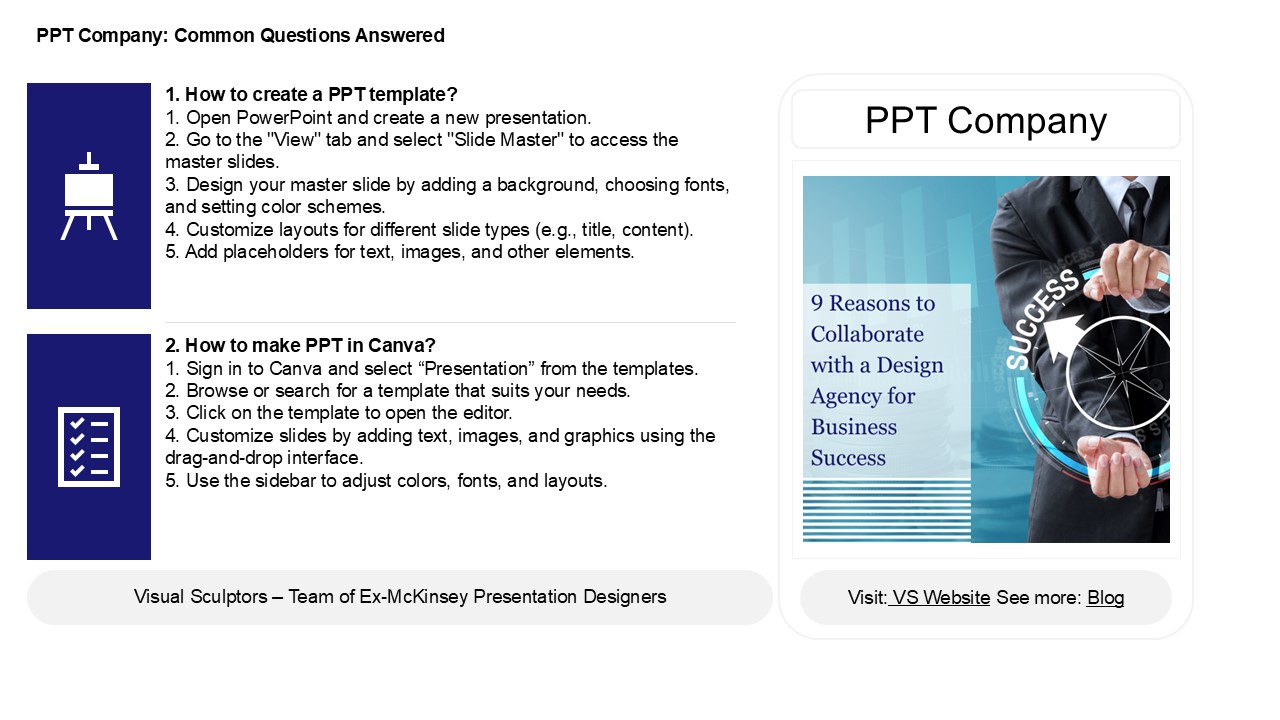
PPT Company Common Questions Answered
1. How to create a PPT template? 1. Open
PowerPoint and create a new presentation.2. Go
to the "View" tab and select "Slide Master" to
access the master slides.3. Design your master
slide by adding a background, choosing fonts, and
setting color schemes.4. Customize layouts for
different slide types (e.g., title, content).5.
Add placeholders for text, images, and other
elements.
PPT Company
2. How to make PPT in Canva? 1. Sign in to Canva
and select Presentation from the templates.2.
Browse or search for a template that suits your
needs.3. Click on the template to open the
editor.4. Customize slides by adding text,
images, and graphics using the drag-and-drop
interface.5. Use the sidebar to adjust colors,
fonts, and layouts.
2
PPT Company Common Questions Answered
3. How do you refresh embedded Excel in
PowerPoint? To refresh an embedded Excel
worksheet in PowerPoint, right-click on the
embedded Excel object in your slide. Select
"Update Link" if available or double-click the
object to open it in Excel. Make any necessary
updates, and then close Excel. The changes will
automatically reflect in your PowerPoint slide.
Alternatively, you can also use the "Refresh"
option in the "Data" tab if the worksheet is
linked instead of embedded. Ensure that your
PowerPoint presentation is saved after making any
changes to maintain the updates.
4. How do I change the data source in a
PowerPoint chart? To change the data source in a
PowerPoint chart, right-click on the chart and
select "Edit Data" to open an Excel spreadsheet
linked to the chart. You can modify the data
directly in this spreadsheet. If you want to link
to a different data source, go to the "Chart
Design" tab, click on "Select Data," and then
choose a new data range. After making your
changes, close the Excel window, and the chart
will update automatically to reflect the new
data.
5. What is PPT in marketing? - Product The
item or service offered to meet customer needs.-
Price The cost consumers pay, which reflects
perceived value and competitive positioning.-
Promotion The methods used to communicate
and persuade customers about the product,
including advertising, sales promotions, and
public relations.
Recommended

