

Laptop repair services PowerPoint PPT Presentation
Title: Laptop repair services
1
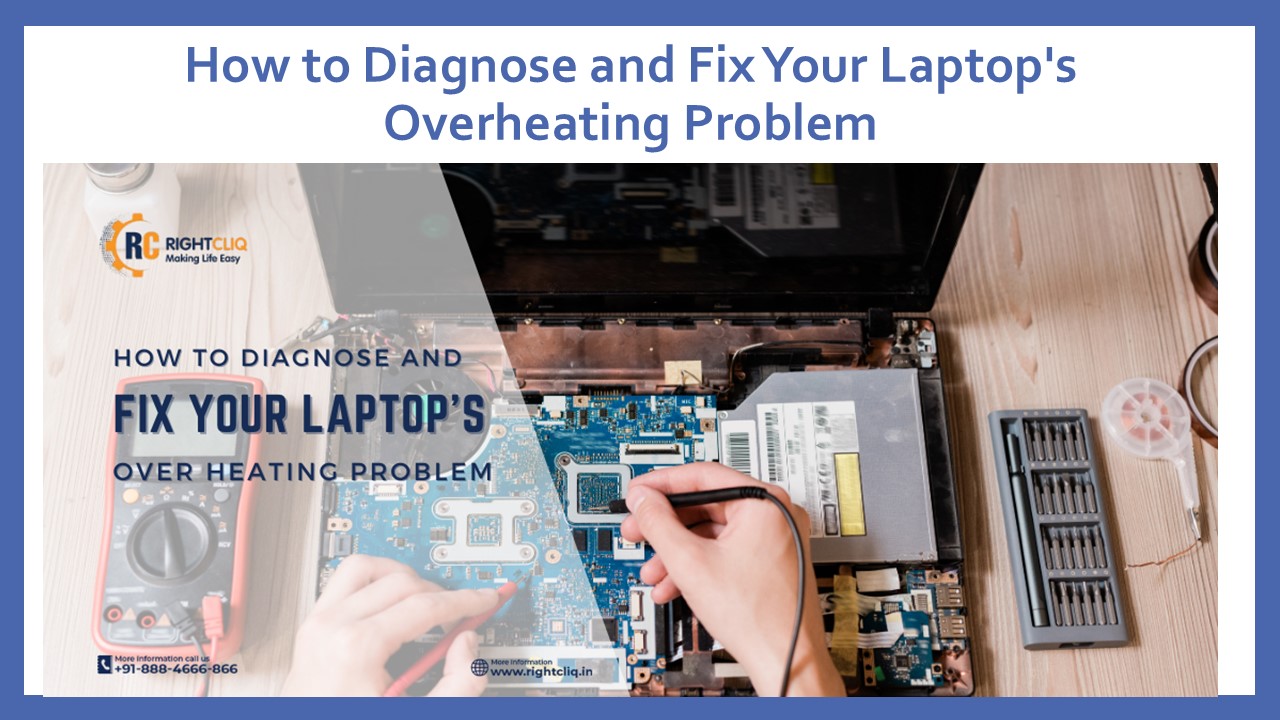
How to Diagnose and Fix Your Laptop's Overheating
Problem
2
- Laptop overheating is a common trouble that can
result in negative performance, random shutdowns,
or even permanent damage to internal hardware.
Overheating can result from a range of factors,
which include dust accumulation, malfunctioning
cooling fans, or excessive background programs
running concurrently.The majority of customers
look for a laptop repair service near me when
their laptops start to overheat consistently
without knowing that simple preventive measures
can generally resolve the problem before seeking
expert assistance.Finding the Overheating
Problem - It is necessary to troubleshoot the overheating
laptop for any root cause that may have
contributed to its condition. First, watch what
happens on the laptopif the laptop shuts off
randomly or the fan spins at a high speed and
repeatedly goes back to that speed, overheating
is likely at fault. You may make use of
integrated system monitoring tools to check CPU
and GPU temperatures.
3
- Another way to diagnose overheating involves
examining the laptop's surface. If bottom or side
surfaces become so hot that they cannot be held,
airflow restriction may be hindering the cooling
process. Check for dust accumulated in air vents
or obstructions around cooling fans. Choked
cooling systems can also produce much heat and
need to be corrected immediately. - Solving Overheating Problems at Home
- If your laptop overheats in the house, there are
several things you can do to keep the problem in
check. The first very effective and
straightforward way is to keep the exhaust vents
clean to ensure proper air circulation. Also,
having the laptop sitting on a solid, flat
surface will allow for good ventilation. An air
passage would be restricted if it was placed on
soft surfaces with irregular patterns, such as
beds or sofas. - Another useful trick is to watch and reduce
background programs that consume a lot of CPU
resources. High-CPU consumption programs generate
heat, which burdens the processor. You can reduce
heat generation by shutting down unnecessary
programs or using low-weight substitutes. You can
also change your laptop's power settings to a
lower power mode to limit CPU consumption,
thereby reducing heat generation. The thermal
paste degrades with time and hence becomes less
effective. If you are not sure about applying
thermal paste yourself, you can have the job done
by a laptop repair technician without risking
internal damage.
4
- Also, if your laptop is crashing and slowing down
repeatedly even after fan cleaning and software
setting tweaks, internal component degradation
may already have been caused by overheating.
Professional repair services can stop further
damage and extend your laptop's lifespan.
Doorstep laptop repair services are available to
fix laptops, and users can have their laptops
repaired at home without going to a service
center. - Conclusion
- Overheating your laptop is a frustrating issue,
but with a little troubleshooting, you can
diagnose and repair it appropriately. If it
continues to overheat after doing some home
remedies, the next best laptop overheating
solution is to look for a laptop repair service
near me, or hire a laptop repair professional to
assist you. - RightCliq offers reliable doorstep laptop repair
service so that your laptop gets professional
care without visiting a repair center. Don't let
overheating be the cause of your lagact now and
keep your laptop at peak performance.
5
Professional Laptop Repair Services
6
Contact Us
- Website https//www.rightcliq.in
- Email Us contact_at_rightcliq.in
- Facebook https//www.facebook.com/www.Rightcliq.
in/ - Instagram https//www.instagram.com/_rightcliq.in
/ - YouTube https//www.youtube.com/_at_RightCliq.in_Off
icial - Twitter https//x.com/_rightcliq
- LinkedIn https//www.company/rightcliq-concepts
-pvt-ltd - Call Us 91 888 400 9090
Recommended

