

The Role of Professional Introductions in Consulting Presentations PowerPoint PPT Presentation
Title: The Role of Professional Introductions in Consulting Presentations
1
Consulting PPT Frequently Asked Questions
Explained
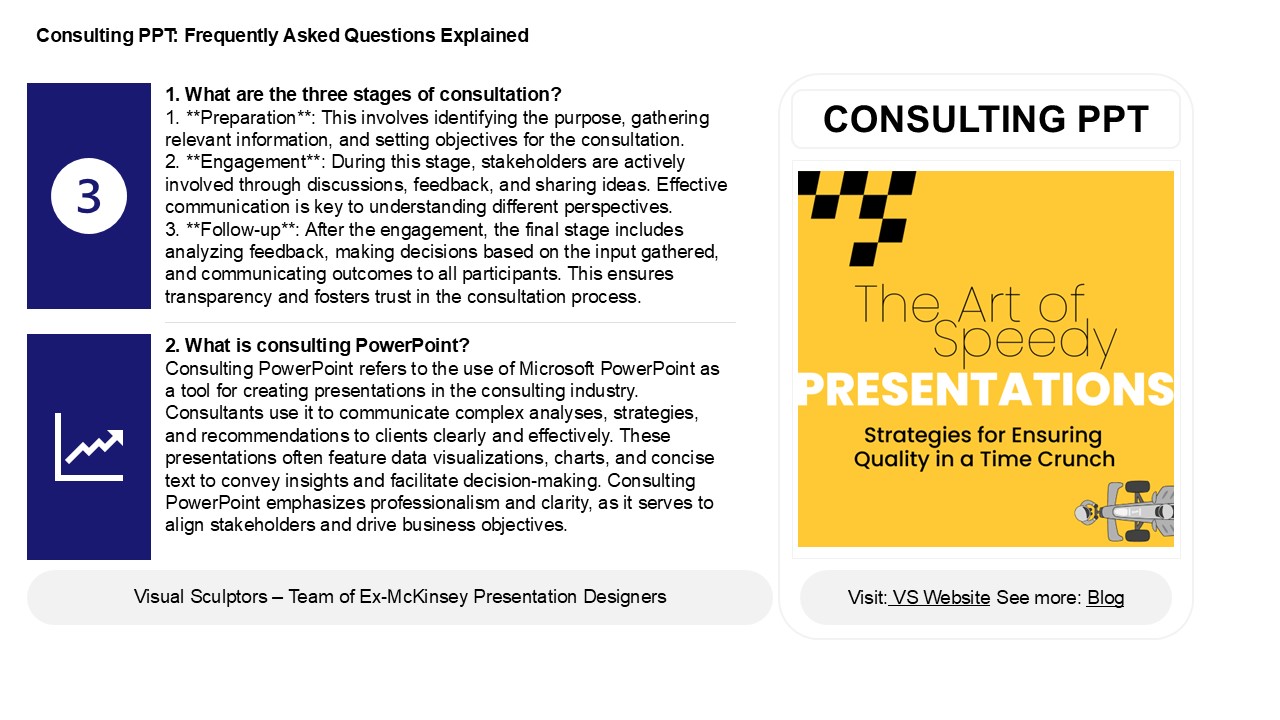
1. What are the three stages of consultation? 1.
Preparation This involves identifying the
purpose, gathering relevant information, and
setting objectives for the consultation.2.
Engagement During this stage, stakeholders
are actively involved through discussions,
feedback, and sharing ideas. Effective
communication is key to understanding different
perspectives.3. Follow-up After the
engagement, the final stage includes analyzing
feedback, making decisions based on the input
gathered, and communicating outcomes to all
participants. This ensures transparency and
fosters trust in the consultation process.
CONSULTING PPT
2. What is consulting PowerPoint? Consulting
PowerPoint refers to the use of Microsoft
PowerPoint as a tool for creating presentations
in the consulting industry. Consultants use it to
communicate complex analyses, strategies, and
recommendations to clients clearly and
effectively. These presentations often feature
data visualizations, charts, and concise text to
convey insights and facilitate decision-making.
Consulting PowerPoint emphasizes professionalism
and clarity, as it serves to align stakeholders
and drive business objectives.
2
Consulting PPT Frequently Asked Questions
Explained
3. How to conclude a PPT presentation? To
conclude a PPT presentation effectively,
summarize the key points you covered, reiterating
the main message. Thank your audience for their
attention and invite questions or discussions to
engage them further. You may also include a call
to action or next steps if applicable. Use a
strong closing statement to leave a lasting
impression and consider providing your contact
information for follow-up. Finally, ensure your
final slide is visually appealing and reinforces
your message, creating a polished finish to your
presentation.
4. How do I use PowerPoint like a consultant? To
use PowerPoint like a consultant, focus on
clarity and professionalism. Start with a clear
structure an engaging introduction, main content
sections, and a concise conclusion. Use
high-quality visuals and charts to illustrate
data effectively, keeping text minimal and
impactful. Choose a clean, consistent design
template that aligns with your brand. Incorporate
storytelling techniques to engage your audience
and practice your delivery for confidence. Always
tailor your presentation to the specific needs of
your audience, addressing their challenges and
offering actionable insights. Finally, prepare
for questions to demonstrate your expertise and
foster discussion.
5. How do you introduce yourself professionally
in PowerPoint? To introduce yourself
professionally in PowerPoint, start with a title
slide featuring your name, job title, and company
logo. Follow with a brief overview slide that
includes your background, key skills, and
relevant experiences. Use a clean layout with
bullet points for clarity. Incorporate visuals,
like a professional photo or graphs, to enhance
engagement. Keep text concise and avoid jargon.
Conclude with a slide that highlights your
professional goals or interests, inviting
questions to encourage interaction. Tailor your
introduction to your audience for maximum impact.
Recommended

