

Leveraging Interactive Displays and Software to Elevate Your Presentation Experience PowerPoint PPT Presentation
Title: Leveraging Interactive Displays and Software to Elevate Your Presentation Experience
1
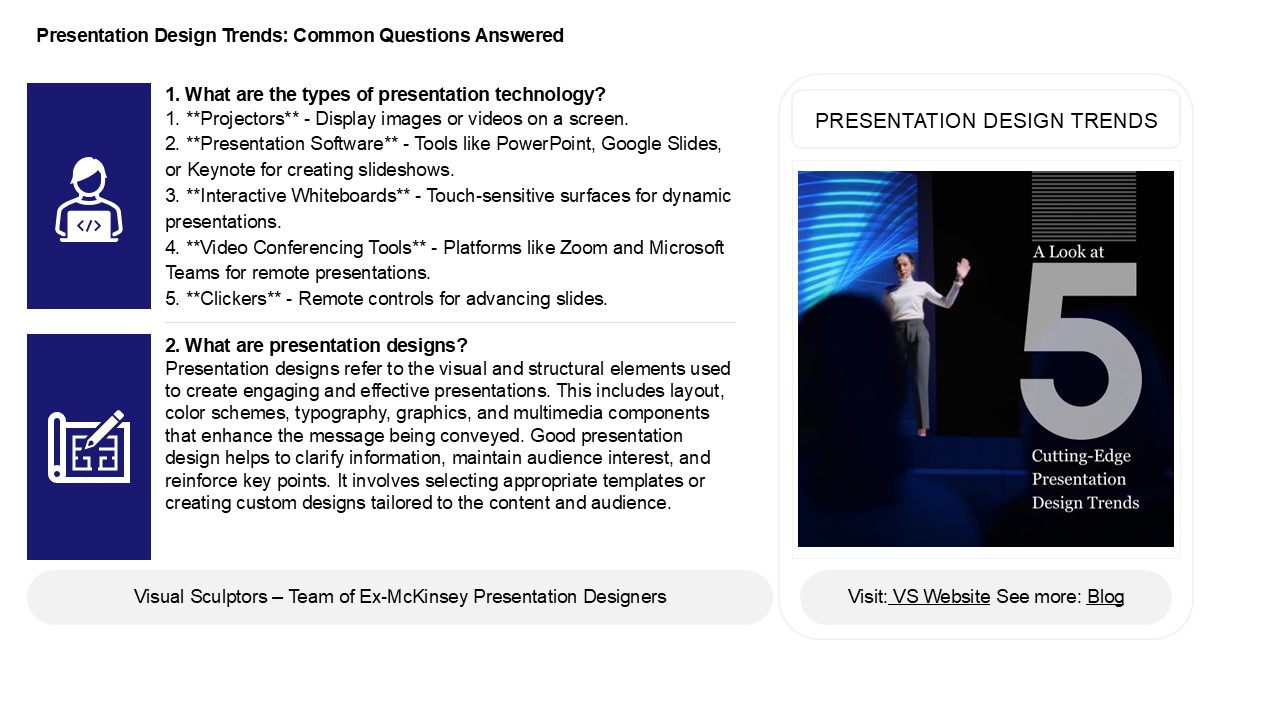
Presentation Design Trends Common Questions
Answered
1. What are the types of presentation technology?
1. Projectors - Display images or videos on
a screen.2. Presentation Software - Tools
like PowerPoint, Google Slides, or Keynote for
creating slideshows.3. Interactive
Whiteboards - Touch-sensitive surfaces for
dynamic presentations.4. Video Conferencing
Tools - Platforms like Zoom and Microsoft Teams
for remote presentations.5. Clickers -
Remote controls for advancing slides.
PRESENTATION DESIGN TRENDS
2. What are presentation designs? Presentation
designs refer to the visual and structural
elements used to create engaging and effective
presentations. This includes layout, color
schemes, typography, graphics, and multimedia
components that enhance the message being
conveyed. Good presentation design helps to
clarify information, maintain audience interest,
and reinforce key points. It involves selecting
appropriate templates or creating custom designs
tailored to the content and audience.
2
Presentation Design Trends Common Questions
Answered
3. What are the golden rules of presentation
design? 1. Simplicity Keep slides
uncluttered with minimal text and visuals. 2.
Consistency Use uniform fonts, colors, and
layouts throughout. 3. Visuals Incorporate
high-quality images and graphics to enhance
understanding. 4. Limit Text Use bullet
points to convey key ideas instead of paragraphs.
5. Readable Fonts Choose clear, legible
fonts and appropriate sizes.
4. How to design a perfect presentation? To
design a perfect presentation, start with a clear
objective and audience in mind. Structure your
content with a strong introduction, engaging main
points, and a concise conclusion. Use visuals
like images and graphs to support your message,
ensuring they are relevant and not overcrowded.
Keep text minimaluse bullet points for clarity.
Practice your delivery to maintain a confident,
engaging tone. Incorporate storytelling elements
to captivate your audience. Finally, anticipate
questions and be prepared for interaction to
foster engagement. Remember, simplicity and
clarity are key to effective communication.
5. How can I beautify my presentation? To
beautify your presentation, focus on design
consistency, using a cohesive color palette and
fonts. Incorporate high-quality visuals like
images, infographics, and videos to enhance
engagement. Use bullet points and concise text to
maintain clarity. Add animations and transitions
sparingly to keep the flow dynamic without being
distracting. Ensure ample white space for a clean
look. Lastly, practice good alignment and layout
principles to create balance and harmony
throughout your slides.
Recommended

