

Elevating Document Presentation: The Importance of Proper Formatting Practices PowerPoint PPT Presentation
Title: Elevating Document Presentation: The Importance of Proper Formatting Practices
1
Document Formatting Services Common Questions
Answered
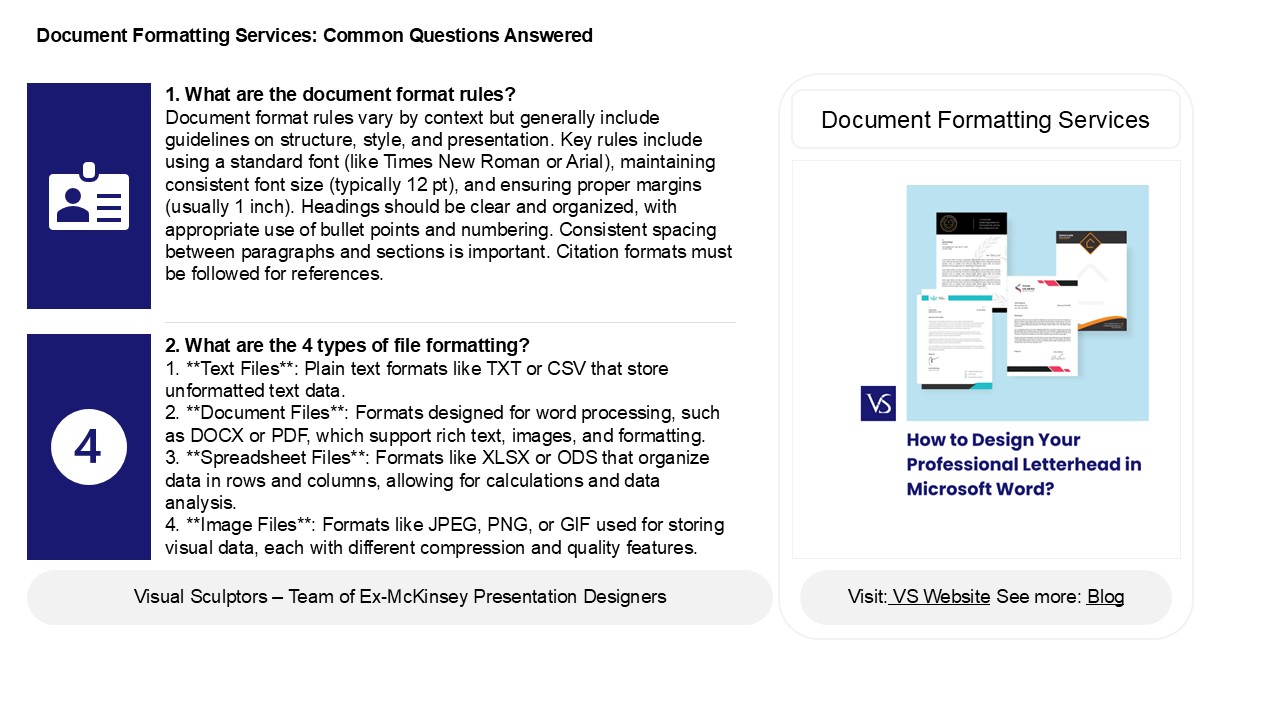
1. What are the document format rules? Document
format rules vary by context but generally
include guidelines on structure, style, and
presentation. Key rules include using a standard
font (like Times New Roman or Arial), maintaining
consistent font size (typically 12 pt), and
ensuring proper margins (usually 1 inch).
Headings should be clear and organized, with
appropriate use of bullet points and numbering.
Consistent spacing between paragraphs and
sections is important. Citation formats must be
followed for references.
Document Formatting Services
2. What are the 4 types of file formatting? 1.
Text Files Plain text formats like TXT or
CSV that store unformatted text data.2.
Document Files Formats designed for word
processing, such as DOCX or PDF, which support
rich text, images, and formatting.3.
Spreadsheet Files Formats like XLSX or ODS
that organize data in rows and columns, allowing
for calculations and data analysis.4. Image
Files Formats like JPEG, PNG, or GIF used for
storing visual data, each with different
compression and quality features.
2
Document Formatting Services Common Questions
Answered
3. What is font formatting? Font formatting
refers to the styles and attributes applied to
text in a document or design, impacting its
appearance and readability. This includes
adjustments to font type (e.g., Arial, Times New
Roman), size, weight (bold or regular), style
(italic or underline), color, and spacing (line
height and letter spacing). Effective font
formatting enhances the overall visual appeal and
clarity of written content, ensuring that it
aligns with the intended tone and purpose. Proper
use of font formatting can significantly improve
user engagement and comprehension in both digital
and print media.
4. How many types of text formatting are in MS
Word? MS Word offers various types of text
formatting, including font style, size, and
color bold, italic, and underline options
strikethrough highlighting text alignment
(left, center, right, justify) bullet and
numbering lists indentation and line spacing
adjustments. Additionally, users can apply
styles, create headings, and utilize text effects
like shadows or outlines. Overall, MS Word
provides extensive formatting tools to enhance
document presentation.
5. What is the difference between formatting and
editing toolbar? The formatting toolbar primarily
focuses on the visual aspects of text and
elements, allowing users to change font styles,
sizes, colors, alignment, and other
appearance-related features. In contrast, the
editing toolbar provides tools for modifying
content, such as cut, copy, paste, undo, redo,
and spell check. While the formatting toolbar
enhances the look of a document, the editing
toolbar aids in content manipulation and
correction. Both toolbars play essential roles in
document creation and management, but they serve
distinct purposes in the editing process.
Recommended

