

AEM Best Practices: Enhancing Your Website for Maximum Performance PowerPoint PPT Presentation
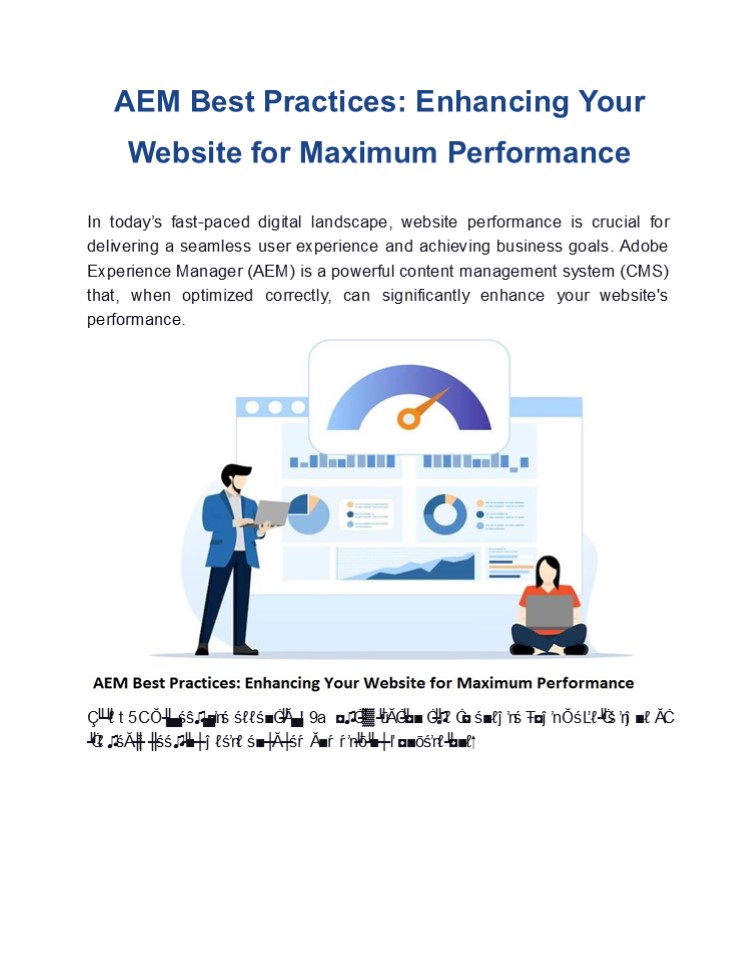
Title: AEM Best Practices: Enhancing Your Website for Maximum Performance
1
AEM Best Practices Enhancing Your Website for
Maximum Performance
In todays fast-paced digital landscape,
website performance is crucial for delivering a
seamless user experience and achieving business
goals. Adobe Experience Manager (AEM) is a
powerful content management system (CMS) that,
when optimized correctly, can significantly
enhance your website's performance.
This PDF will explore essential AEM
optimization tips to ensure your website runs at
its peak, keeping users engaged and driving
conversions.
2
1. Prioritize AEM Site Speed Optimization Site
speed is a critical factor in user retention and
SEO rankings. Slow-loading websites can lead to
high bounce rates, negatively impacting your
search engine performance. To achieve top-notch
Adobe Experience Manager site speed optimization
? Leverage Caching Utilize AEM's dispatcher for
caching static content, reducing server load, and
improving load times. Proper cache configuration
ensures that frequently accessed pages load
faster.
? Optimize Images Reduce image file sizes and
utilize modern formats such as WebP. AEM allows
for automated image optimization, which is vital
for reducing load times without sacrificing
quality.
? Minimize HTTP Requests Combine CSS and
JavaScript files to minimize the number of HTTP
requests. Fewer requests mean faster loading
times and a more efficient site.
2. Implement Adobe Experience Manager Best
Practices Following Adobe Experience Manager
best practices ensures that your website is not
only high-performing but also scalable and
maintainable
? Content Fragmentation Break down content into
reusable fragments. This approach promotes
content consistency and reduces redundancy, which
can improve load times and ease of management.
Reusability
Build
reusable
components
to
reduce development time and streamline updates.
Reusable components also ensure a uniform user
experience throughout the site.
? Component
? Effective Use of Templates Design templates
that cater to different content types. This
allows for quicker content creation and ensures
uniformity across various pages.
3. Enhance Website Performance with AEM For
superior website performance with AEM, consider
these advanced optimization techniques
3
CDN Integration Integrate a Content Delivery
Network (CDN) with AEM to distribute content
globally, reducing latency and ensuring faster
content delivery to users regardless of their
location. Lazy Loading Use lazy loading for
images and videos to improve page loading times.
This technique loads media only when its in the
users view port, significantly reducing initial
load times. Optimize JavaScript Execution Defer
non-essential JavaScript until the main content
is loaded. This practice ensures that users can
interact with your site faster, improving
perceived performance.
?
?
?
4. AEM Website Optimization Techniques for
Scalability
Scalability is a key consideration in AEM website
optimization. As your business grows, your
website should be able to handle increased
traffic without compromising performance
? Asynchronous Processing Offload
resource-intensive tasks, such as data
processing and reporting, to asynchronous
processes. This ensures that these tasks do not
hinder the user experience.
? Load Balancing Use load balancing to
distribute traffic evenly among multiple
servers. This approach prevents any one server
from becoming overwhelmed, maintaining steady
performance across your site.
? Modular Development Develop your AEM site in a
modular fashion. Modular development allows for
easier updates and scaling without impacting the
entire system.
5. AEM Content Management and Optimization
Effective content management is at the heart of
AEM performance best practices. Simplify content
workflows and make sure your site is optimized
for search engines.
? SEO Best Practices Incorporate SEO best
practices directly within AEM. Use AEMs
built-in tools to optimize metadata, URL
structures, and content for search engines.
4
Automated Workflows Leverage AEMs workflow
automation to streamline content approval and
publishing processes. This reduces the time taken
to get content live and ensures that updates are
implemented swiftly.
?
Conclusion
Optimizing your website with Adobe Experience
Manager is crucial for delivering a superior
user experience and achieving your business
objectives. By implementing these AEM
performance best practices and partnering with
experts like EnFuse Solutions, you can optimize
your website for maximum performance, driving
better engagement, higher conversions, and
long-term success.
Read more Creating Engaging Digital Experiences
With Adobe Experience
Manager
Recommended

