

Comparative Analysis of Collaboration and Design Functionality PowerPoint PPT Presentation
Title: Comparative Analysis of Collaboration and Design Functionality
1
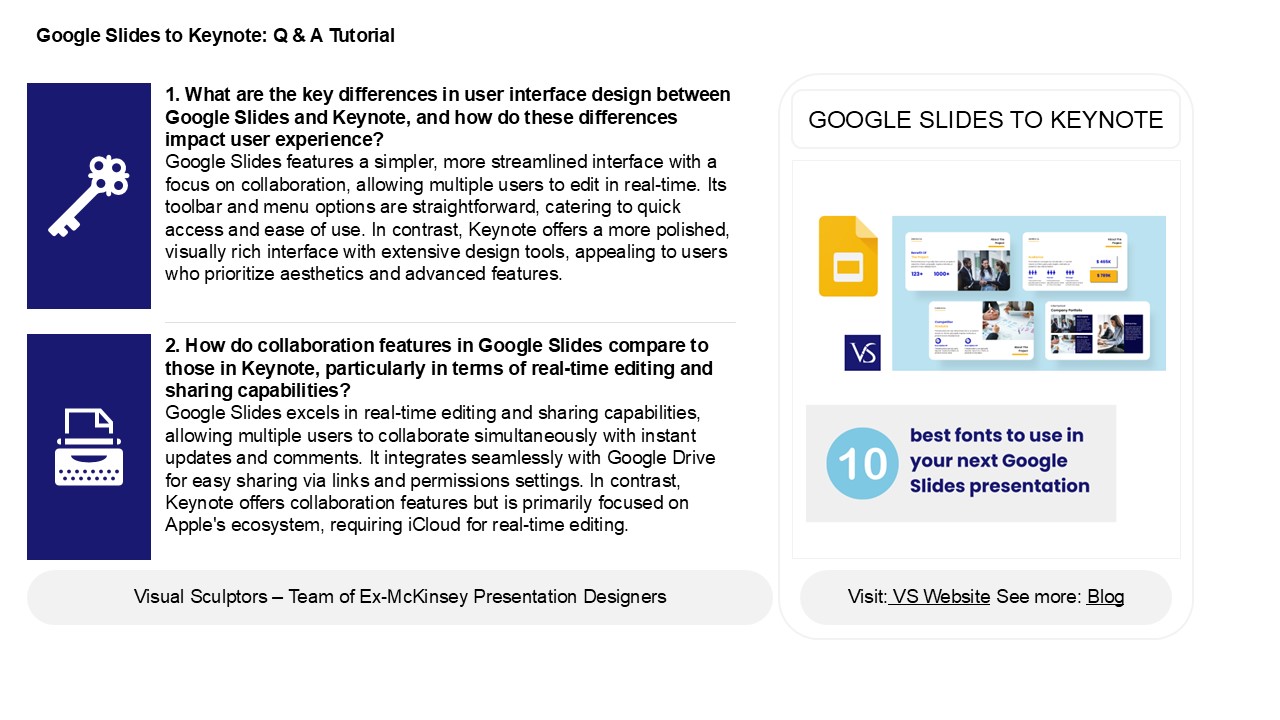
Google Slides to Keynote Q A Tutorial
1. What are the key differences in user interface
design between Google Slides and Keynote, and how
do these differences impact user
experience? Google Slides features a simpler,
more streamlined interface with a focus on
collaboration, allowing multiple users to edit in
real-time. Its toolbar and menu options are
straightforward, catering to quick access and
ease of use. In contrast, Keynote offers a more
polished, visually rich interface with extensive
design tools, appealing to users who prioritize
aesthetics and advanced features.
GOOGLE SLIDES TO KEYNOTE
2. How do collaboration features in Google Slides
compare to those in Keynote, particularly in
terms of real-time editing and sharing
capabilities? Google Slides excels in real-time
editing and sharing capabilities, allowing
multiple users to collaborate simultaneously with
instant updates and comments. It integrates
seamlessly with Google Drive for easy sharing via
links and permissions settings. In contrast,
Keynote offers collaboration features but is
primarily focused on Apple's ecosystem, requiring
iCloud for real-time editing.
2
Google Slides to Keynote Q A Tutorial
3. What emerging trends in presentation design
are influencing the development of features in
Google Slides and Keynote, such as the use of
multimedia, animations, and templates? Emerging
trends in presentation design emphasize
interactivity, storytelling, and visual
engagement. Google Slides and Keynote are
increasingly incorporating multimedia elements
like videos, GIFs, and audio to enhance
presentations. The use of dynamic animations
helps to maintain audience attention and convey
ideas more effectively. Additionally,
customizable templates that cater to diverse
themes and branding are becoming essential.
Theres also a growing focus on accessibility and
collaboration features, enabling real-time
editing and feedback, which reflects a shift
towards more inclusive and versatile presentation
tools. These trends aim to create more engaging
and impactful communication experiences.
4. In what ways are Google Slides and Keynote
adapting to the increasing demand for remote
presentations and virtual collaboration in the
post-pandemic era? Google Slides and Keynote are
enhancing remote presentations and virtual
collaboration by integrating real-time
collaboration features, enabling multiple users
to edit simultaneously. They offer improved cloud
accessibility, allowing presentations to be
shared and accessed from anywhere. Both platforms
are incorporating advanced video conferencing
tools, such as direct integration with Google
Meet and FaceTime, facilitating seamless
presentations. Additionally, they provide
templates and design tools tailored for online
formats, and enhance multimedia support, making
it easier to create engaging, interactive
presentations suitable for virtual audiences.
These adaptations cater to the growing trend of
remote work and online communication.
5. What are the main reasons users are shifting
from Google Slides to Keynote in recent
years? Users are shifting from Google Slides to
Keynote primarily for enhanced design
capabilities and user-friendly features. Keynote
offers superior templates, smoother animations,
and better graphic options, appealing to those
seeking visually striking presentations.
Additionally, seamless integration with Apple
devices and offline functionality enhance its
appeal for users who prefer a more streamlined
experience. The intuitive interface and advanced
presentation tools also attract professionals
looking for polished results. Overall, the
emphasis on aesthetics, performance, and ease of
use drives the migration from Google Slides to
Keynote.
Recommended

