

Mastering AutoCAD Mechanical: Essential Tips for Beginners PowerPoint PPT Presentation
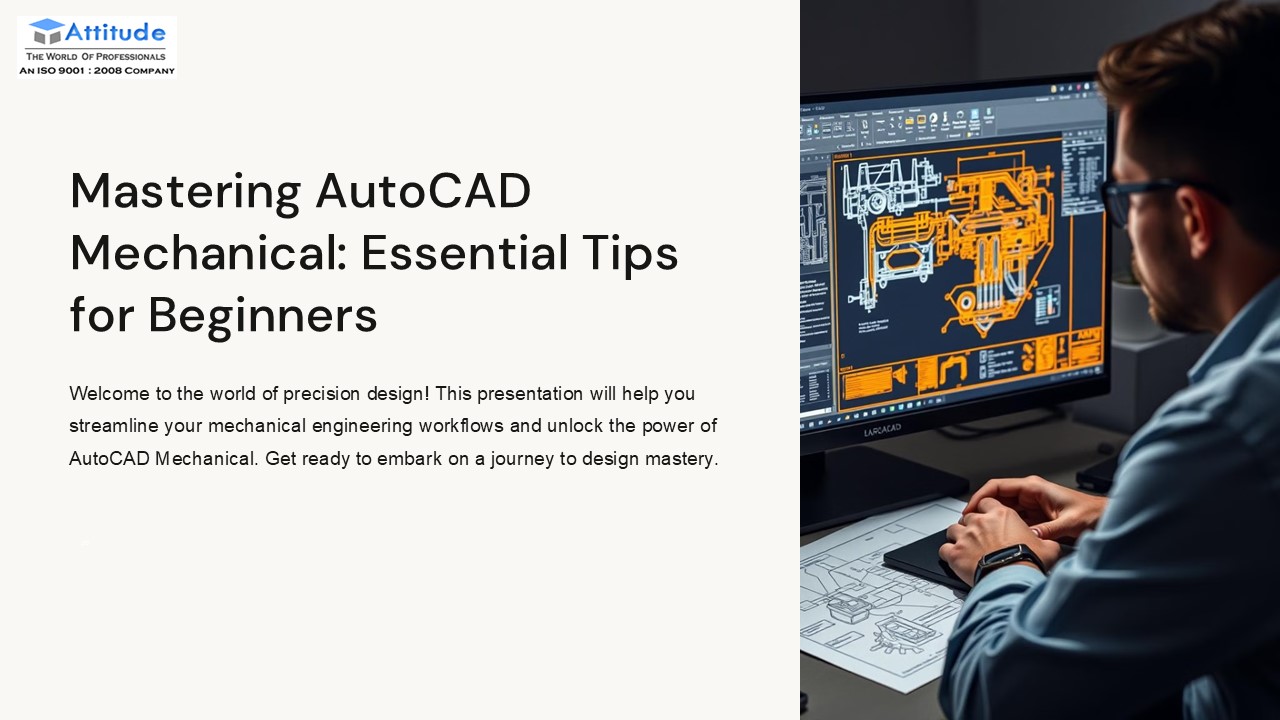
Title: Mastering AutoCAD Mechanical: Essential Tips for Beginners
1
Mastering AutoCAD Mechanical Essential Tips for
Beginners
Welcome to the world of precision design! This
presentation will help you streamline your
mechanical engineering workflows and unlock the
power of AutoCAD Mechanical. Get ready to embark
on a journey to design mastery.
pb
2
What is AutoCAD Mechanical?
AutoCAD Mechanical is a specialized toolset built
on the AutoCAD platform. It enhances productivity
for mechanical design tasks. It features
libraries of standard mechanical parts. It
automates repetitive tasks and reduces errors.
Productivity
Standard Parts
Enhances efficiency
700,000 parts
Accuracy
Reduces errors
3
Core Features A Quick Tour
Explore the core features that make AutoCAD
Mechanical a powerful tool. From mechanical
structure to drawing standards, learn how these
features can improve your design process.
Mechanical Structure
Standard Parts
Organize designs
700,000 parts
Automated Layers
Consistent assignments
4
Essential Tips for Beginners
Get started with these essential tips for
beginners. Use pre-configured templates and
understand layer naming conventions. Leverage
content libraries and automate with commands like
AMPOWER and AMFILLET2.
Start with Templates
Use pre-configured templates
Master Layers
Understand naming
Leverage Libraries
Utilize standard parts
5
Productivity Boosters
Discover productivity boosters that will save you
time and effort. Use power dimensioning and
automatic hidden lines. Manage hole charts
efficiently and automate part creation.
Power Dimensioning
Automatic Hidden Lines
Hole Charts
6
Customization and Settings
Customize your AutoCAD Mechanical environment to
suit your needs. Modify templates and create
custom parts. Configure standards and set
keyboard shortcuts.
1
Customize Ribbon
2
Modify Templates
3
Configure Standards
7
Resources for Continuous Learning
Explore resources for continuous learning and
improvement. Utilize help documentation and the
Autodesk Knowledge Network. Connect with other
users and examine sample drawings.
2
Online Courses
Platforms like Udemy
Help Documentation
1
Comprehensive built-in help
Community Forums
Connect with users
3
8
Conclusion Your Journey to Mastery
AutoCAD Mechanical empowers mechanical design.
Start with the basics and explore advanced
features. Practice regularly to develop
proficiency and unlock new levels of design
efficiency.
1
2
Start with Basics
Explore Features
3
Practice Often
9
THANK YOU
Thank you for joining us today. We hope you found
this presentation valuable. We wish you all the
best.
For more information, or visit our website-
Attitude Academy
Recommended

