

Picture Editing in Photoshop PowerPoint PPT Presentation
1 / 8
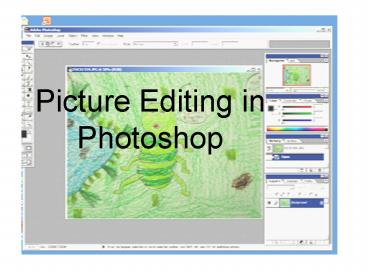
Title: Picture Editing in Photoshop
1
Picture Editing in Photoshop
2
1.File.Open 2.Navigate to your picture in a
folder and open it
3
Use the Lasso tool to select the part of the
picture you wish to use
Then copy the selected shape FilegtCopy
4
Create a new Photoshop file FilegtNew
Photoshop will automatically make the picture the
right size for your copied shape
Select transparent, click OK and paste.
5
Select the eraser tool, set the brush size and
hardness
6
Use the eraser to touch up your shape
7
To improve Brightness and Contrast
8
Use the sliders to adjust
Finish eraser touch up and save
Recommended

