

Internet Explorer PowerPoint PPT Presentation
1 / 8
Title: Internet Explorer
1
Internet Explorer
2
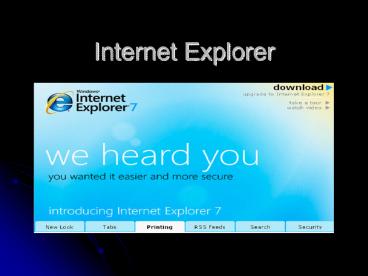
Whats new.?.?.?
- Internet Explorer 7 has a new interface that
shows more of each webpage you visit
- Its now easier to add
- websites to your Favorites
- search the web
- clear your history
- and access the other tasks and tools you use
most.
3
New Design vs. Old Design
4
New Design
- The new design has smaller Icons
- Decrease in toolbar height
- And optimizes the space on your screen so you see
more of the websites you're visiting. - Easier to manage you favorite web sites
5
New Design (cont.)
- It allows you to view different sites at one time
- Just click which one you need
- All you have to do is press the new tab button
6
RSS Feeds
- Don't waste time checking many different sites
and blogs for updates. Just select the sites or
topics you care about and Internet Explorer 7
delivers all the new headlines and updates to
your Favorites Center. Its easy as ?
7
Security
- Internet Explorer 7 is a very safe program. It
- Alerts you when there are potential phishing
sites sites that look legitimate but actually
are designed to capture your personal
information. - It's also easier to see which sites provide
secure data exchange, so you can shop and bank
online with confidence.
8
Overview
- This is a great up-grade. It makes it easier for
you to sit at home and work from your computer.
The security is better and you feel safer. I give
this program a thumbs up.
Recommended

